ABB
In Stock OK
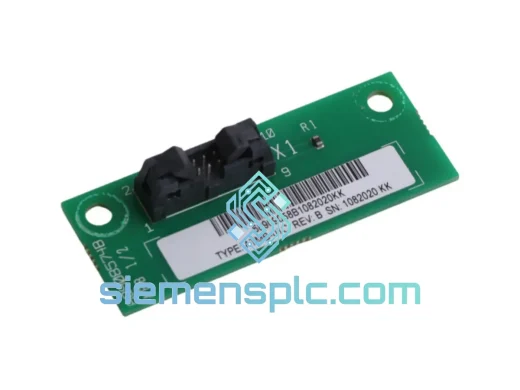
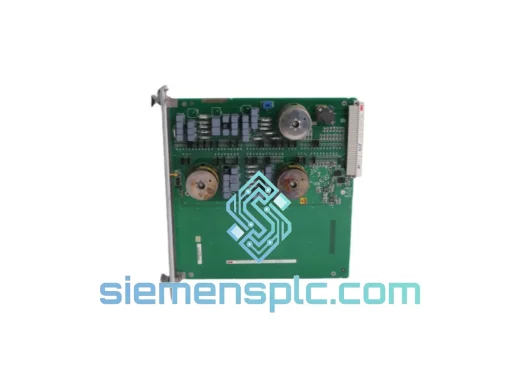
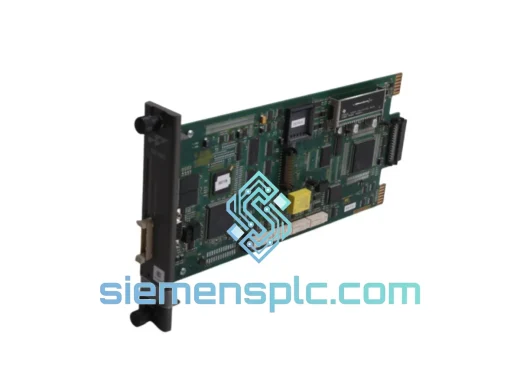
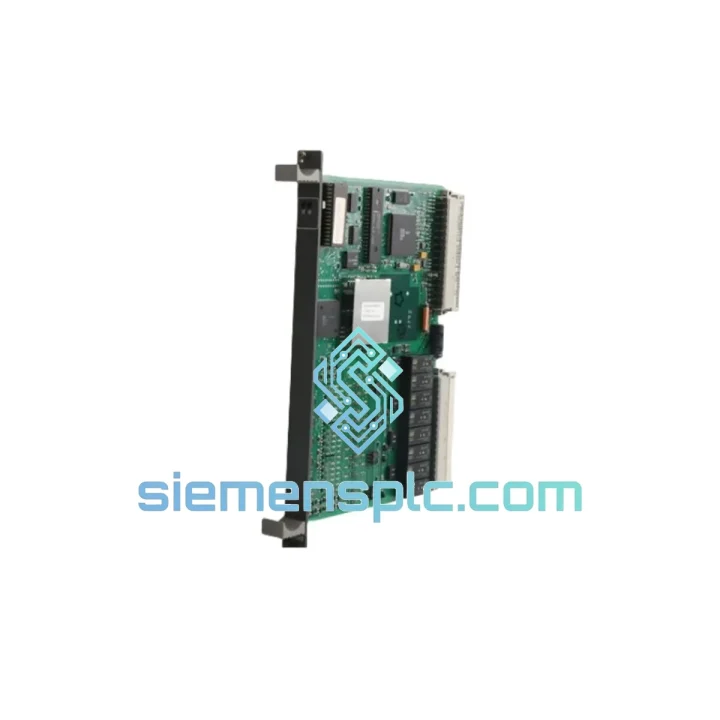
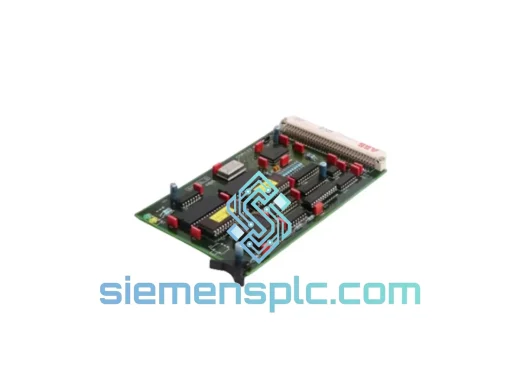
ABB 81AA10E GJR2370200R1100 PLC Control Module
Request verified availability, condition, replacement risk review, packing options and courier lead time for 81AA10E-GJR2370200R1100.
BrandABB
Part Number81AA10E-GJR2370200R1100
ConditionAvailability Check
Lead TimeRFQ Confirmation
DocumentsDatasheet / photos by RFQ
ShippingExport packing available
Auto-filled RFQ
81AA10E-GJR2370200R1100
Click Request Quote and the part number is inserted into the inquiry form automatically.
- Reply by email: [email protected]
- WhatsApp / Tel: +86 18359268345
- Mon-Sat 9:00-18:00 GMT+8
Procurement Data
Key Product Information
Core fields for model confirmation and RFQ routing. Detailed product narrative remains below.
- Brand
- ABB
- Primary Part Number
- 81AA10E-GJR2370200R1100
- Product Type
- PLC Control Module
- Series / Family
- AC500
- Manufacturer
- ABB
- Country of Origin
- SE
- Catalog Category
- PLCs & Controllers
- Operating Temp.
- 0 °C to +60 °C
Model confirmed for inquiry
81AA10E-GJR2370200R1100
Send quantity, destination and urgency. The RFQ form keeps this part number attached.
Request Quote
Product Overview
ABB 81AA10E (GJR2370200R1100) — Stop the Clock on Your Downtime. Ship Today.
Every minute your line is down, you’re bleeding money. Whether it’s a blown control module on a midnight shift or a cascading fault that’s taken out your AC500 rack, the ABB 81AA10E (GJR2370200R1100) is the exact part you need — and we have it on the shelf right now in Xiamen, ready to move via DHL or FedEx within hours of your order confirmation. No lead time games. No “check back in 6 weeks.” Just the module, boxed, labeled, and on its way to your plant floor.
This is not a refurbished pull or a gray-market substitute. Every unit we ship is 100% original ABB AC500 series hardware, inspected before dispatch, packed in anti-static ESD protection, and accompanied by full export documentation. If your maintenance team needs it tomorrow, we make that happen.
⚡ URGENT REQUIREMENT? Contact: [email protected] | WhatsApp: +86 18359268345
Quick Technical Datasheet
| Parameter | Specification |
|---|---|
| Manufacturer | ABB |
| Order Code | 81AA10E |
| Material Number | GJR2370200R1100 |
| Platform / Series | AC500 PLC |
| Module Function | Control Module (CPU-side signal processing & I/O coordination) |
| Mounting | AC500 DIN-rail backplane, tool-free snap-in |
| Internal Bus | AC500 high-speed internal I/O bus |
| Compatible CPUs | PM5xx / PM5xx-ETH series (firmware-dependent — see notes below) |
| Operating Temperature | 0 °C to +60 °C |
| Storage Temperature | −40 °C to +70 °C |
| Protection Rating | IP20 |
| Power Supply | Backplane-fed via AC500 system bus |
| Programming Environment | ABB Automation Builder / PS501 Control Builder Plus |
| Certifications | CE, UL (verify against your installation standard) |
| Net Weight | 320 g |
| Country of Origin | Germany |
| Stock Status | ✅ Ready to Ship — Xiamen, China |
Troubleshooting & Replacement Tips
Common failure signatures that point to the 81AA10E:
- ERR LED solid red on the module — internal self-test failure at power-up. The CPU logs a hardware fault (typically fault code 0x8100 or 0x8200 range in the AC500 diagnostic buffer). If cycling power doesn’t clear it within two attempts, the module is the culprit.
- I/O bus communication loss — CPU reports “Module not responding” or slot shows gray in Automation Builder’s online view. Check backplane connector pins first (bent or corroded contacts are common in humid environments), but if the connector is clean, the module’s internal bus transceiver has likely failed.
- Intermittent scan cycle overruns — if your watchdog trips are increasing in frequency without a corresponding increase in program complexity, the module’s internal processing is degrading. This often precedes a hard failure by 2–4 weeks in high-cycle applications.
- Partial I/O loss — specific channel groups drop out while others remain functional. This is a classic sign of internal multiplexer failure within the module, not a field wiring issue.
Step-by-step replacement procedure:
- Document current configuration. Before touching anything, go online with Automation Builder and export the full project including hardware configuration. Confirm the firmware version of the existing module (right-click → Module Properties in the hardware tree).
- Check address settings. The 81AA10E uses automatic slot addressing via the AC500 backplane — there are no physical DIP switches on this module. The slot position in the rack determines the logical address. Confirm the replacement unit goes into the exact same physical slot.
- Power down the rack. AC500 modules are NOT hot-swappable in standard configurations. Shut down the CPU cleanly (use the STOP command before cutting power to avoid program memory corruption).
- Swap the module. Press the release tab, slide out the old unit, slide in the replacement. The backplane connector is keyed — it only seats one way. Apply firm, even pressure until you hear the latch click.
- Firmware verification. Power up and immediately check the module firmware version in Automation Builder. If the replacement unit ships with a different firmware revision than your CPU expects, you may see a “Firmware mismatch” warning. Use the firmware update tool in Automation Builder to align versions before going to RUN mode.
- Force a cold restart. After firmware confirmation, perform a cold restart (not warm) to ensure the CPU re-initializes all I/O mappings from scratch. Verify all channel assignments in the online diagnostic view before returning to production.
- Run a 15-minute soak test. Monitor the diagnostic buffer for any recurring fault codes before handing back to operations. A clean 15-minute run in RUN mode with live I/O is your sign-off.
Note on firmware matching: ABB AC500 firmware compatibility is strict between major revisions. If your system is running Automation Builder 2.x with PM5xx CPUs on firmware <3.4, confirm the replacement module’s firmware baseline before ordering. We can advise — just send us your CPU firmware version via WhatsApp and we’ll confirm compatibility before shipment.
Reliability in Harsh Conditions
The AC500 platform was not designed for climate-controlled server rooms. It was built for the kind of environments that destroy lesser hardware — and the 81AA10E reflects that engineering philosophy throughout.
Vibration resistance: The module meets IEC 60068-2-6 sinusoidal vibration testing (10–57 Hz, 0.075 mm amplitude; 57–150 Hz, 1g). In practice, this means it survives continuous operation on compressor skids, pump stations, and mobile equipment without connector fatigue or PCB trace cracking — failure modes that plague cheaper alternatives within 18 months.
Thermal cycling tolerance: Industrial environments rarely hold a steady temperature. The 81AA10E is rated for 0–60 °C operating range with storage down to −40 °C, and the internal components are selected for low thermal coefficient of resistance drift. This matters in outdoor enclosures in northern climates where a cabinet can swing 50 °C between a winter night and a summer afternoon.
Humidity and condensation: Rated to 95% relative humidity (non-condensing) per IEC 60068-2-78. The conformal coating on the PCB provides a barrier against airborne contaminants — sulfur compounds in chemical plants, salt fog in coastal installations, and fine metallic dust in machining environments. We’ve seen AC500 modules pulled from 12-year-old installations in paper mills that still pass functional test — that’s the build quality you’re getting.
EMC hardening: Designed to EN 61000-4 series immunity standards, including 4 kV contact discharge (ESD), 2 kV fast transient burst on I/O lines, and 10 V/m radiated immunity. In environments with large VFDs, welding equipment, or high-current switching, this level of EMC hardening is the difference between a stable system and one that nuisance-trips every time a motor starts.
Global Express Logistics
Our warehouse is located in Xiamen, Fujian, China — one of China’s primary export hubs with direct access to international freight lanes via Xiamen Gaoqi International Airport and Xiamen Port. This geography is not accidental: it means your emergency order moves fast.
Standard dispatch timeline:
- Order confirmed before 14:00 CST: Same-day dispatch via DHL Express or FedEx International Priority.
- Order confirmed after 14:00 CST: Next business day dispatch.
- Weekend orders: Processed Monday morning — contact us via WhatsApp for genuine emergencies and we’ll assess options.
Typical transit times (door-to-door):
- Southeast Asia (Singapore, Thailand, Vietnam, Malaysia): 2–3 business days
- Middle East (UAE, Saudi Arabia, Qatar): 3–4 business days
- Europe (Germany, Netherlands, UK, Poland): 3–5 business days
- North America (USA, Canada, Mexico): 4–6 business days
- Australia / New Zealand: 3–5 business days
- South America (Brazil, Chile, Colombia): 5–8 business days
Export documentation included with every shipment: Commercial invoice (with declared HS code 8537.10), packing list, certificate of origin, and DHL/FedEx airway bill with live tracking. For customers requiring a specific customs value declaration or additional COO certification, advise at time of order.
We ship to over 60 countries. If your destination is not listed above, contact us — we’ll find a routing that works.
Contact Information
📧 Email: [email protected]
💬 WhatsApp: +86 18359268345
🌐 Web: siemensplc.com
© 2026 siemensplc.com. All rights reserved.
Ready to quote
[email protected]
Send This Part Number to Sales
RFQ workflow
Quality workflow ->
Confirmation Process
01Model confirmation
We check the full part number, brand, series and visible nameplate information before quotation.
02Availability reply
Sales confirms stock path, condition option, quantity and realistic lead time for export dispatch.
03Packing & courier
DHL, FedEx, UPS or buyer courier arrangements can be reviewed with packing requirements.
Continue sourcing
Browse full catalog ->
Related Automation Parts
Similar brand or category products for fast comparison and multi-item RFQ lists.
ABB
RFQ Ready
ABB 1SVR427075R0000 CP-A CM PLC CPU Module – AC500 Compact Series
AC500
Origin SE
PLC CPU Module