ABB
In Stock OK
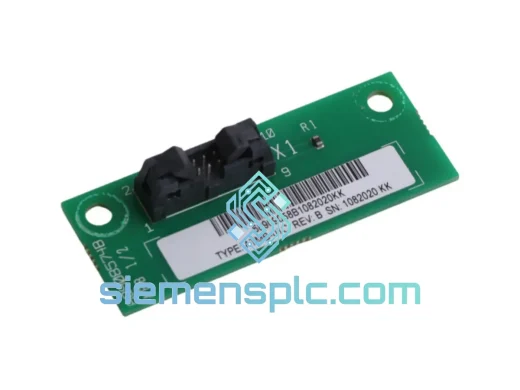
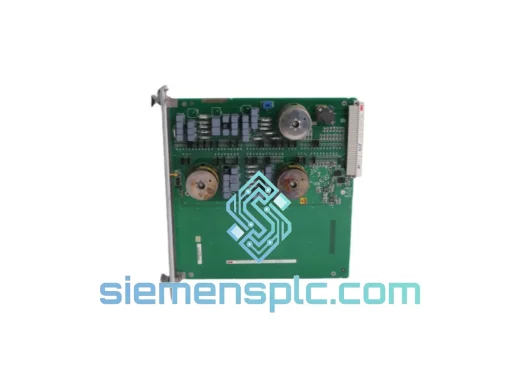
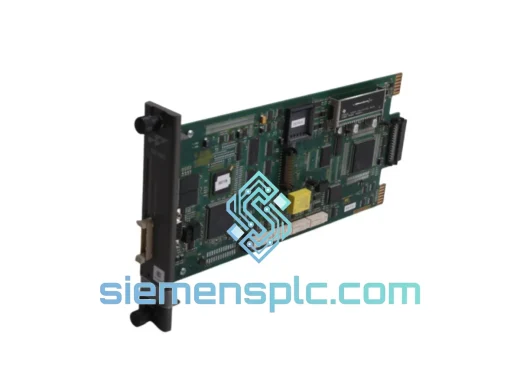
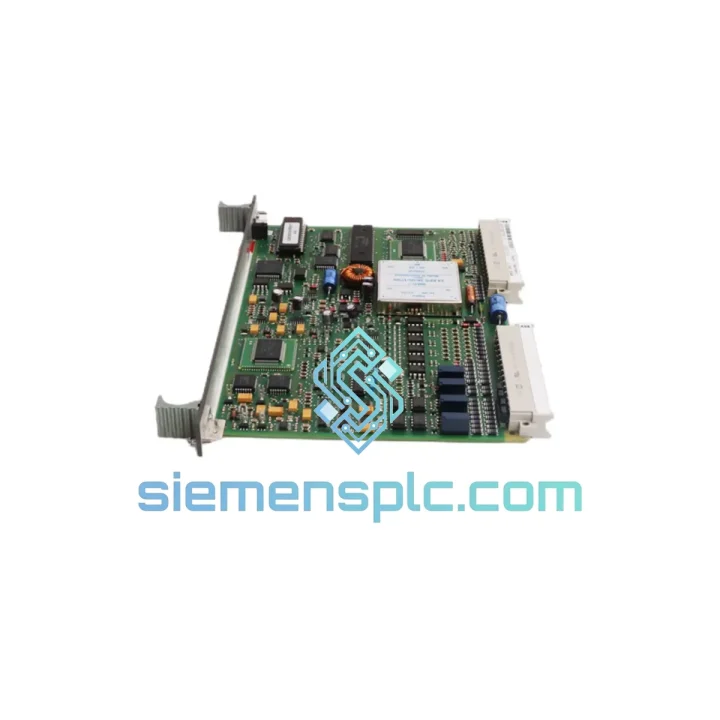
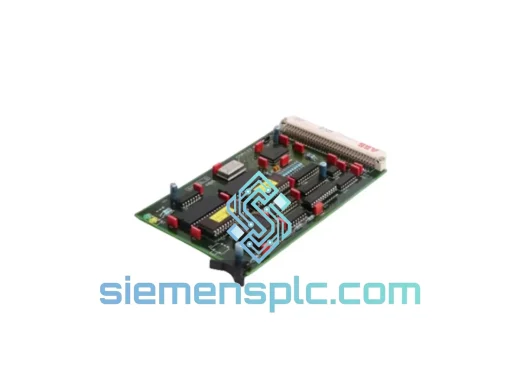
ABB 83SR07F-E GJR2392700R1210 PLC Control Module
Request verified availability, condition, replacement risk review, packing options and courier lead time for 83SR07F-E.
BrandABB
Part Number83SR07F-E
ConditionAvailability Check
Lead TimeRFQ Confirmation
DocumentsDatasheet / photos by RFQ
ShippingExport packing available
Auto-filled RFQ
83SR07F-E
Click Request Quote and the part number is inserted into the inquiry form automatically.
- Reply by email: [email protected]
- WhatsApp / Tel: +86 18359268345
- Mon-Sat 9:00-18:00 GMT+8
Procurement Data
Key Product Information
Core fields for model confirmation and RFQ routing. Detailed product narrative remains below.
- Brand
- ABB
- Primary Part Number
- 83SR07F-E
- Product Type
- PLC Control Module
- Series / Family
- AC500
- Manufacturer
- ABB
- Country of Origin
- SE
- Catalog Category
- PLCs & Controllers
- Operating Temp.
- -25 °C to +60 °C
Model confirmed for inquiry
83SR07F-E
Send quantity, destination and urgency. The RFQ form keeps this part number attached.
Request Quote
Product Overview
ABB 83SR07F-E GJR2392700R1210: Cut Downtime Now — AC500 Control Module Ships Today from Xiamen
Every hour your line sits idle costs real money. When an AC500 control module fails mid-shift, you don’t need a sales pitch — you need the part on a plane. We stock the ABB 83SR07F-E (GJR2392700R1210) in Xiamen and can have it moving via DHL Express within hours of order confirmation. No waiting on factory lead times. No grey-market risk. Just a verified OEM module, boxed and labeled, ready to drop into your rack.
This is the module that keeps AC500-based systems running in power substations, water treatment SCADA panels, automotive body shops, and offshore platforms. When it goes down, everything downstream goes with it. That’s why we keep it on the shelf.
URGENT REQUIREMENT? Contact: [email protected] | WhatsApp: +86 18359268345
Quick Technical Datasheet
| Manufacturer | ABB |
| Order Code / SKU | 83SR07F-E |
| Part Number | GJR2392700R1210 |
| Platform | AC500 PLC Series |
| Module Category | Control Module |
| Backplane Interface | AC500 internal S-Bus (high-speed) |
| Mounting | DIN Rail / AC500 backplane slot |
| Operating Temperature | -25 °C to +60 °C |
| Storage Temperature | -40 °C to +70 °C |
| Relative Humidity | 5–95% RH, non-condensing |
| Protection Rating | IP20 |
| Certifications | CE, UL, cUL, RoHS |
| Country of Origin | Germany |
| Stock Status | ✅ Ready to Ship — Xiamen Warehouse |
Troubleshooting & Replacement Tips
Swapping an AC500 control module in the field is straightforward if you follow the sequence. Skip a step and you’ll spend another two hours chasing a fault code that shouldn’t exist.
Step 1 — Confirm the fault is the module, not the backplane. Before pulling the 83SR07F-E, check the CPU diagnostic buffer in Automation Builder. Fault codes 0x8090 (module not responding) and 0x8091 (configuration mismatch) point squarely at the control module. A 0x8070 series code usually means backplane power rail — don’t swap the module and discover the rail is the real culprit.
Step 2 — Record the slot address and DIP switch position. The AC500 uses slot-based addressing. The 83SR07F-E carries a physical DIP switch bank that sets its logical address on the S-Bus. Photograph the switch position before removal. If the replacement ships with switches in a different default state, the CPU will throw a 0x8092 configuration error on first scan and refuse to go to RUN mode.
Step 3 — Power down the rack cleanly. The AC500 supports hot-swap on select configurations, but the 83SR07F-E is not rated for live insertion in all firmware revisions. Check your CPU firmware version against ABB Technical Note TN-AC500-0047 before attempting hot-swap. When in doubt, drop the rack power. A 30-second outage beats a corrupted project file.
Step 4 — Seat the module and verify firmware compatibility. After physical installation, power up and watch the module’s RUN/STOP LED. A steady green means the CPU recognized the module and firmware versions are aligned. A flashing red/green alternating pattern indicates a firmware mismatch — connect Automation Builder, navigate to the device tree, right-click the module, and run Update Firmware. This takes under 3 minutes on a USB or Ethernet connection.
Step 5 — Force a full configuration download. Even if the project was previously loaded, perform a full download (not an incremental update) after module replacement. This ensures the CPU re-initializes all I/O maps and clears any residual fault latches from the failed module.
Common fault codes on the 83SR07F-E:
- 0x8090 — Module not responding: check DIP switch address, reseat module, verify backplane connector pins.
- 0x8091 — Configuration mismatch: project configuration does not match physical hardware; re-download project.
- 0x8092 — Address conflict: two modules sharing the same S-Bus address; check all DIP switches in the rack.
- 0x80A0 — Internal module fault: module hardware failure confirmed; replacement required.
- 0x80B1 — Firmware version incompatible: update module firmware via Automation Builder before going to RUN.
Reliability in Harsh Conditions
The AC500 platform was not designed for climate-controlled server rooms. It was built for the floor — and the 83SR07F-E reflects that. The module’s conformal-coated PCB resists moisture ingress in high-humidity environments like coastal chemical plants and tropical water treatment facilities. Vibration damping on the backplane connector maintains signal integrity on lines where heavy presses or compressors run within meters of the control cabinet.
At the thermal extreme, the module sustains full operation at +60 °C ambient — a figure that matters when your cabinet sits next to a furnace or in an outdoor enclosure under direct sun in summer. The wide storage range (-40 °C to +70 °C) means spare units can be kept in unheated warehouses or shipping containers without degrading the electronics before they’re ever installed.
ABB’s AC500 line carries IEC 61131-2 environmental testing compliance, covering vibration (sinusoidal and random), shock, and EMC immunity. The 83SR07F-E specifically meets EN 61000-4 series immunity requirements, making it suitable for environments with variable-frequency drives, large contactors, and other high-EMI sources operating in close proximity.
Global Express Logistics
Our warehouse is located in Xiamen, Fujian — one of China’s primary export hubs with direct access to DHL Express, FedEx International Priority, and UPS Worldwide Express gateways. Here’s how a typical emergency shipment moves:
- Order confirmed before 14:00 CST: Module inspected, photographed, and handed to DHL same day.
- DHL Express transit times: Southeast Asia 1–2 days | Europe 2–3 days | North America 3–4 days | Middle East 2–3 days | Australia 3–4 days.
- Documentation included: Commercial invoice, packing list, and certificate of origin provided with every shipment for customs clearance. HS code 8537.10 pre-declared for smooth import processing.
- Tracking: AWB number sent within 2 hours of dispatch. Real-time tracking link provided via email and WhatsApp.
- Customs support: We handle export declaration from China. For import duties, we can provide a formal proforma invoice and technical description to support your customs broker.
For orders requiring same-day dispatch, contact us directly on WhatsApp before placing the order so we can confirm stock availability and cut-off time for your destination.
Contact Information
📧 Email: [email protected]
💬 WhatsApp: +86 18359268345
🌐 Web: siemensplc.com
© 2026 siemensplc.com. All rights reserved.
Ready to quote
[email protected]
Send This Part Number to Sales
RFQ workflow
Quality workflow ->
Confirmation Process
01Model confirmation
We check the full part number, brand, series and visible nameplate information before quotation.
02Availability reply
Sales confirms stock path, condition option, quantity and realistic lead time for export dispatch.
03Packing & courier
DHL, FedEx, UPS or buyer courier arrangements can be reviewed with packing requirements.
Continue sourcing
Browse full catalog ->
Related Automation Parts
Similar brand or category products for fast comparison and multi-item RFQ lists.
ABB
RFQ Ready
ABB 1SVR427075R0000 CP-A CM PLC CPU Module – AC500 Compact Series
AC500
Origin SE
PLC CPU Module