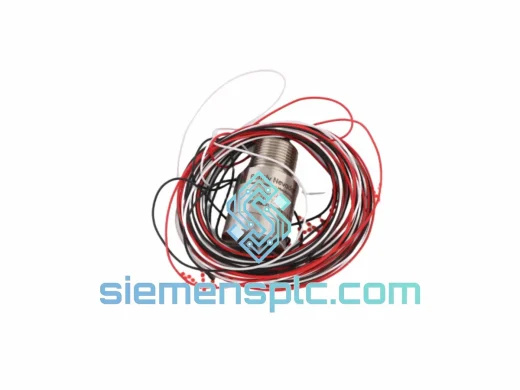
Product Overview
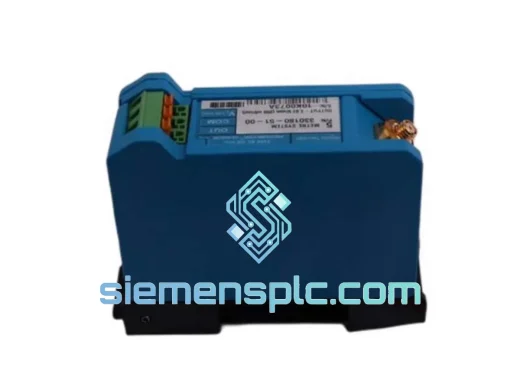
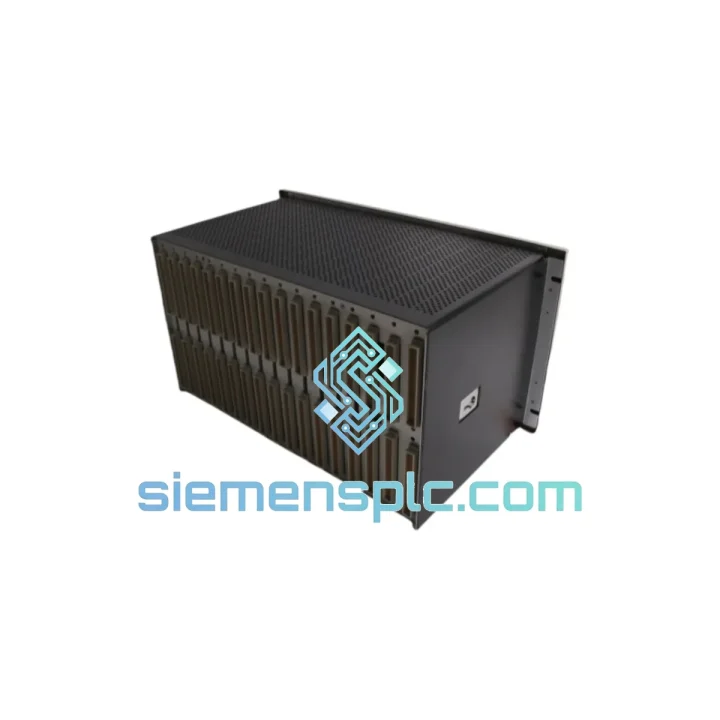
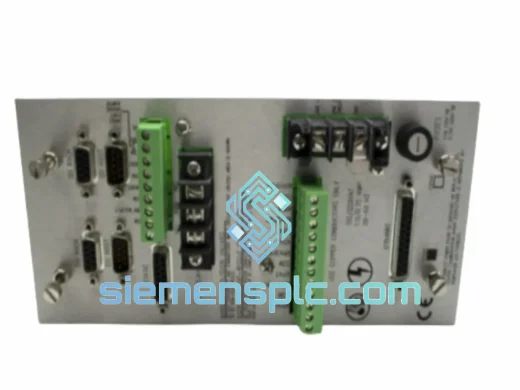
Bently Nevada 3500/5/1 Rack Interface Module — Zero-Downtime Replacement, Ships from Xiamen Today
Every hour your machinery protection system sits offline, you’re bleeding money. Compressor trips, turbine shutdowns, unplanned outages — the 3500/5/1 Rack Interface Module is the nerve center of your entire Bently Nevada 3500 rack, and when it fails, nothing else talks. We stock it. We ship it fast. That’s the only thing that matters right now.
URGENT REQUIREMENT? Contact: [email protected] | WhatsApp: +86 18359268345
Quick Technical Datasheet
| Parameter |
Specification |
| Part Number / SKU |
3500/5/1 |
| Manufacturer |
Bently Nevada (Baker Hughes) |
| Series |
3500 Machinery Protection System |
| Module Function |
Rack Interface Module (RIM) — system communication backbone |
| Communication Ports |
RS-232 / RS-422; Modbus RTU supported |
| Power Source |
Via 3500 rack backplane (AC or DC input) |
| Rack Compatibility |
Standard Bently Nevada 3500 19-inch rack chassis |
| Operating Temperature |
0°C to +65°C |
| Certifications |
CE, CSA, FM Approved |
| Weight (packaged) |
~1,500 g |
| Stock Status |
✅ Ready to Ship — Xiamen warehouse |
| Lead Time |
Same-day dispatch available for in-stock units |
Troubleshooting & Replacement Tips
After 10 years of field work on Bently Nevada 3500 systems, here’s what actually goes wrong with the 3500/5/1 and what to watch when you swap it out:
Common Failure Signatures:
-
COMM fault LED solid red: The RIM has lost communication with the host PC or DCS. Before condemning the module, check the RS-232/RS-422 cable integrity and termination resistors. A failed RIM will show this symptom even with a good cable — swap the module and the fault clears immediately.
-
Rack-wide monitor faults after power cycle: If all monitor modules in the rack throw faults simultaneously after a power event, the RIM is the first suspect. It initializes the rack communication bus on startup; a corrupted firmware state or failed EEPROM will prevent the bus from coming up.
-
Modbus polling timeouts from SCADA: Intermittent Modbus RTU timeouts that correlate with temperature rise in the control room are a classic sign of a degrading RIM. The RS-422 driver IC is heat-sensitive and fails progressively.
-
Keyphasor reference lost system-wide: The RIM distributes the Keyphasor signal across the rack backplane. If multiple monitors lose their phase reference simultaneously, the RIM’s backplane driver circuit is the root cause — not the Keyphasor module itself.
Replacement Procedure — Critical Steps:
-
Step 1 — Document current configuration: Before pulling the old RIM, connect to the rack via System 1 or the 3500 Rack Configuration Software and export the full rack configuration file (.rck). The RIM holds no user-configurable parameters itself, but this protects you if other modules need re-initialization.
-
Step 2 — Check firmware revision: The 3500/5/1 has had multiple firmware revisions. Confirm the firmware version on your existing module (printed on the label or readable via rack software). The replacement unit must match or be a later compatible revision. Mismatched firmware between the RIM and monitor modules can cause rack initialization failures.
-
Step 3 — Power down the rack: The 3500/5/1 is NOT hot-swappable. A full rack power-down is required. Failure to do so risks corrupting the backplane communication bus and potentially damaging adjacent monitor modules.
-
Step 4 — Slot position is fixed: The RIM installs exclusively in Slot 1 of the 3500 rack. There are no DIP switches or address jumpers on this module — slot position defines its function. Verify the replacement seats fully into the backplane connector; a partially seated module will power up but fail to communicate.
-
Step 5 — Post-installation verification: After power-up, all monitor modules should self-initialize within 60 seconds. Use the rack software to verify communication status. If any monitor shows a “Not OK” state after 90 seconds, re-seat the RIM before troubleshooting the monitor module.
Reliability in Harsh Conditions
The 3500/5/1 was designed for the environments where failures are most expensive — offshore platforms, gas compression stations, petrochemical complexes, and power generation facilities. This is not office-grade hardware.
-
Vibration tolerance: The module’s PCB layout and component mounting are qualified to IEC 60068-2-6 vibration profiles. In field installations on skid-mounted compressor packages, we’ve seen these modules outlast the mechanical components they monitor.
-
Thermal cycling: Rated for continuous operation at +65°C ambient. In practice, control rooms in Middle Eastern and Southeast Asian facilities regularly push ambient temperatures to this limit during summer months. The RIM’s thermal design handles sustained high-temperature operation without derating.
-
Humidity and condensation: The conformal coating on the PCB provides protection against humidity ingress — a critical feature in coastal and offshore installations where salt-laden air accelerates corrosion on unprotected boards. Units sourced through our supply chain are inspected for coating integrity before shipment.
-
EMI/RFI immunity: The RS-422 differential signaling architecture provides inherent common-mode noise rejection — essential in environments with large VFDs, switchgear, and high-current bus bars generating significant electromagnetic interference.
Global Express Logistics
We operate from Xiamen, China — one of the most logistics-efficient export hubs in Asia, with direct DHL and FedEx gateway access. When your plant is down, every hour of shipping delay is a direct cost. Here’s how we move parts:
-
Same-day dispatch: Orders confirmed before 15:00 CST ship the same business day from our Xiamen warehouse. No exceptions, no excuses.
-
DHL Express Worldwide: Typical transit times — Southeast Asia 1–2 days, Middle East 2–3 days, Europe 3–4 days, Americas 3–5 days. We book the fastest available service for urgent orders automatically.
-
FedEx International Priority: Available as an alternative carrier for destinations where FedEx has faster transit times or better customs clearance track records.
-
Export documentation: Commercial invoice, packing list, and certificate of origin prepared same-day. HS code pre-classified for smooth customs clearance. We have zero tolerance for documentation errors that cause customs holds.
-
Tracking & visibility: AWB number provided within 2 hours of dispatch. We monitor shipments proactively and flag any customs delays before you have to ask.
-
Emergency freight: For critical shutdowns requiring next-flight-out service, contact us directly via WhatsApp. We coordinate charter freight and hand-carry options for extreme urgency situations.
Contact Information
📧 Email: [email protected]
📱 WhatsApp: +86 18359268345
🌐 Web: siemensplc.com
© 2026 siemensplc.com. All rights reserved.