GE Fanuc
RFQ Ready
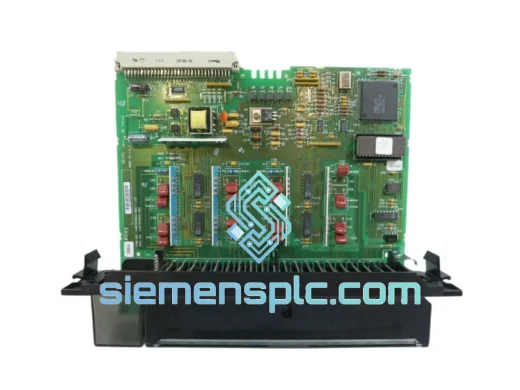
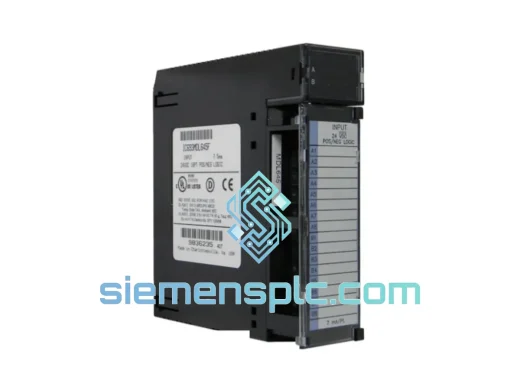
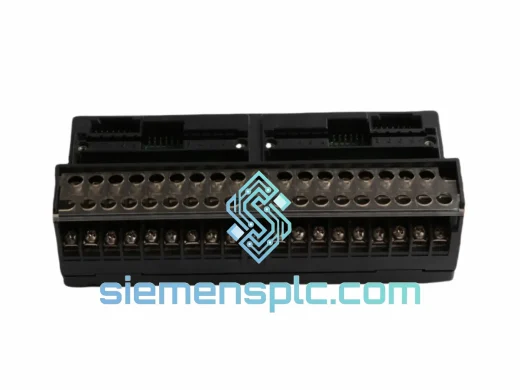
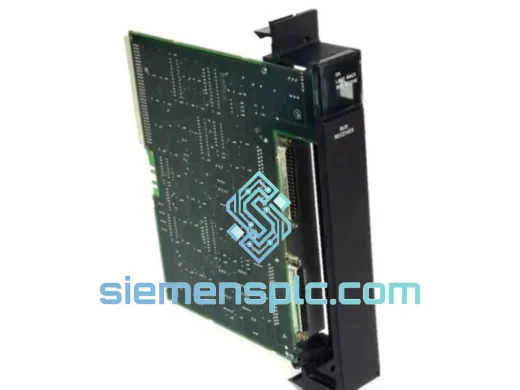
GE Fanuc IC697BEM711 Bus Receiver Module – Series 90-70
Fanuc
Origin US
Bus Receiver Module
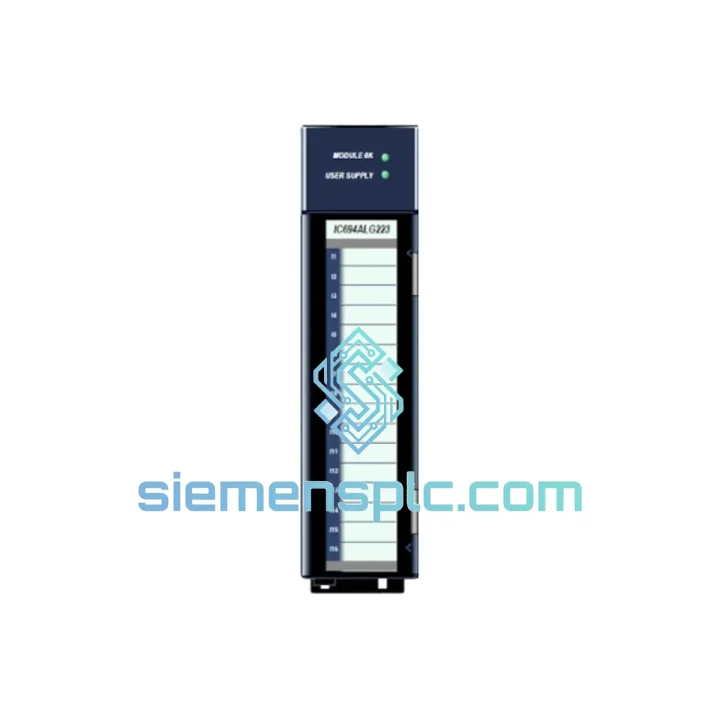
Request verified availability, condition, replacement risk review, packing options and courier lead time for IC694ALG223.
Click Request Quote and the part number is inserted into the inquiry form automatically.
Core fields for model confirmation and RFQ routing. Detailed product narrative remains below.
Production stopped. The Series 90-30 rack is faulted. Your maintenance team has already pulled the suspect card and confirmed it: the IC694ALG223 analog input module is dead. Now the clock is running — lost throughput, idle labor, and a plant manager asking for an ETA you don’t have yet.
This is exactly the scenario we built our operation around. We carry verified GE Fanuc IC694ALG223 units in Xiamen, inspected and ready to move. Orders confirmed before 16:00 CST ship the same afternoon via DHL Express or FedEx International Priority. No back-order delays, no vague lead times. If it’s on the shelf, it leaves today.
The IC694ALG223 is a single-slot, 4-channel differential analog input module for the GE Series 90-30 platform. It handles ±10 V DC, 0–20 mA, and 4–20 mA inputs — all software-selectable per channel — at 12-bit resolution. It is the workhorse of thousands of process and discrete manufacturing installations worldwide, and when it fails, there is no substitute that drops into the same slot without a hardware configuration change. You need the exact part number. We have it.
⚡ URGENT REQUIREMENT? Contact us now:
📧 [email protected] | 📱 WhatsApp: +86 18359268345
| Parameter | Specification |
|---|---|
| Part Number | IC694ALG223 |
| Manufacturer | GE Fanuc / GE Automation & Controls |
| Platform | Series 90-30 PLC |
| Module Function | Analog Input — 4 Channels, Differential |
| Input Signal Types | ±10 V DC | 0–20 mA | 4–20 mA (software-selectable per channel) |
| Resolution | 12-bit (4,096 counts full scale) |
| Channel Isolation | Channel-to-backplane isolated |
| Backplane Power Draw | 250 mA @ +5 V DC |
| Operating Temperature | 0 °C to +60 °C |
| Storage Temperature | −40 °C to +85 °C |
| Relative Humidity | 5 % – 95 % non-condensing |
| Slot Footprint | Single slot, Series 90-30 I/O bus |
| Configuration Method | Software only via Proficy Machine Edition — no DIP switches, no jumpers |
| Certifications | CE, UL Listed, RoHS compliant |
| Reference Manual | GFK-0898 (GE Series 90-30 I/O Modules User Manual) |
| Stock Status | ✅ Ready to Ship — Xiamen Warehouse |
Ten years of field calls on Series 90-30 systems teaches you that most IC694ALG223 failures follow predictable patterns. Before you condemn the module, work through these checks — and when you do need to swap it, follow the procedure below to avoid the secondary faults that turn a 30-minute job into a 3-hour one.
Channel Fault LED Solid Red / Fault Code 0x0041: Nine times out of ten this is a field-side problem, not a dead module. An open-circuit transmitter, a shorted 4–20 mA loop, or a wiring reversal on a differential pair will drive this fault. Disconnect field wiring on each channel individually and observe whether the fault clears. If it does, the module is fine — trace the field device. If all four channels fault simultaneously with field wiring disconnected, the module itself has failed.
All Channels Pegged at Maximum or Minimum: The IC694ALG223 input range is configured in software, not hardware. If your I/O configuration table in Proficy Machine Edition has a channel set to ±10 V but the field device is a 4–20 mA transmitter, the module will rail at one extreme and stay there. Verify that the software-configured range for each channel matches the physical wiring before ordering a replacement.
Module Not Recognized After Insertion: The Series 90-30 rack enumerates slot addresses at power-up. Hot-swapping the IC694ALG223 without a controlled power cycle can leave the CPU holding a stale I/O map. Correct procedure: remove the module, cycle rack power completely, re-insert the replacement, then push a fresh hardware configuration download from Proficy ME. Skipping the config download is the single most common cause of “new module, same fault” callbacks.
Slow Analog Drift or 50/60 Hz Noise on One Channel: Differential inputs reject common-mode noise — but only if the signal common is referenced at a single point. Multiple ground connections on the same channel create a ground loop that overwhelms the module’s CMRR specification. Tie the signal shield and analog common to the module terminal block at one end only. If the noise persists, check whether a nearby VFD or servo drive is sharing the same cable tray as your analog signal wiring.
Step-by-Step Replacement Procedure:
Firmware and Hardware Revision Note: The IC694ALG223 carries no user-upgradeable firmware. All configuration is handled through the Proficy ME I/O table. If the replacement unit carries a hardware revision suffix (e.g., -CE or -AE), cross-reference compatibility with your CPU firmware version in GFK-0898 before installation. Revision mismatches are rare but have caused unexpected behavior on older CPU firmware builds.
The IC694ALG223 was not designed for a climate-controlled server room. It was designed for the environments where industrial automation actually lives — foundry floors with airborne particulate, chemical plants with corrosive atmospheres, outdoor pump stations that see −10 °C winters and 50 °C summers, and compressor skids where vibration is a constant background condition.
The channel-to-backplane isolation architecture is the module’s primary defense against field-side abuse. When a lightning strike couples onto a long cable run, or a large motor drive switches and injects a transient into the analog loop, that energy is absorbed at the module boundary. It does not propagate through the backplane into the CPU. This isolation is not a marketing claim — it is a measurable electrical specification, and it is why Series 90-30 systems with IC694ALG223 modules have remained in service for decades in environments that destroy lesser hardware.
The single-slot form factor and positive-locking backplane connector maintain reliable electrical contact under continuous mechanical vibration. The operating temperature range of 0 °C to 60 °C covers the vast majority of industrial enclosure environments without derating. The 5%–95% non-condensing humidity specification handles coastal installations, tropical climates, and the condensation cycles that occur when an enclosure heats and cools with the production schedule.
Every unit we ship has been stored under controlled conditions in our Xiamen facility. We do not source modules from uncontrolled secondary markets where years of improper storage have degraded electrolytic capacitors, oxidized connector pins, and compromised the analog front-end circuitry. Analog hardware is particularly sensitive to storage conditions — a module that looks fine on the outside can have drifted calibration or degraded input impedance from years of humidity exposure. We take storage seriously because our customers’ processes depend on it.
Our warehouse is in Xiamen, Fujian — a primary export hub with direct DHL Express and FedEx International Priority gateway access. When your plant is down, here is exactly how your order moves:
Same Day (Order Confirmed Before 16:00 CST): Payment confirmed, unit pulled from stock, inspected under ESD protocols, anti-static bagged and boxed, and handed to the carrier the same afternoon. Commercial invoice, packing list, and HS Code 8537.10 export documentation are prepared in parallel with packing — we do not let paperwork delay dispatch.
Day 1–2 (In Transit): DHL Express or FedEx International Priority departs Xiamen. A real-time tracking number is sent to your email within two hours of carrier collection. The majority of shipments clear Chinese export customs within 24 hours of pickup — Xiamen is a high-volume export port and customs processing is efficient.
Typical Delivery Windows: Southeast Asia — 2 to 3 business days. Europe — 3 to 5 business days. North America — 3 to 5 business days. Middle East — 3 to 4 business days. Australia and New Zealand — 4 to 6 business days. These are express courier lanes, not consolidated freight or postal services.
Import Documentation: We provide a complete export package with every shipment: commercial invoice with accurate declared value, detailed packing list, certificate of origin, and HS Code documentation. We have shipped industrial electronics to over 60 countries and understand the import requirements for each major market. If your destination requires specific customs declarations, import permits, or additional documentation, contact us before placing the order and we will prepare accordingly.
Plant Down Right Now? Contact us directly via WhatsApp before placing the online order. We can confirm stock availability, generate a proforma invoice, and have the unit at the DHL counter within hours of payment confirmation. Do not wait for a quote cycle when your line is stopped.
📧 Email: [email protected]
📱 WhatsApp: +86 18359268345
🌐 Web: siemensplc.com
© 2026 siemensplc.com — All rights reserved.
We check the full part number, brand, series and visible nameplate information before quotation.
Sales confirms stock path, condition option, quantity and realistic lead time for export dispatch.
DHL, FedEx, UPS or buyer courier arrangements can be reviewed with packing requirements.
Similar brand or category products for fast comparison and multi-item RFQ lists.