GE Automation & Controls
RFQ Ready
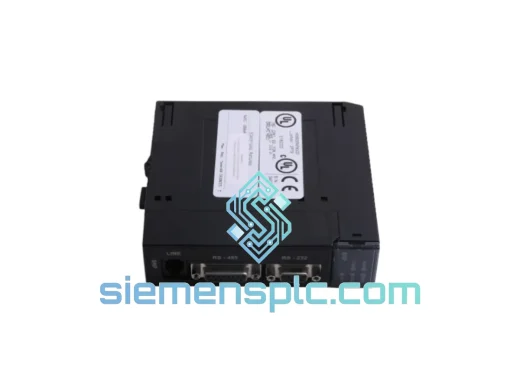
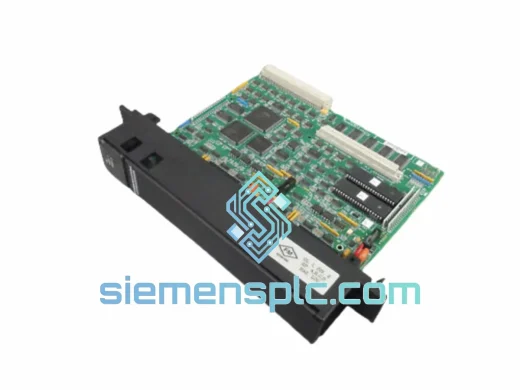
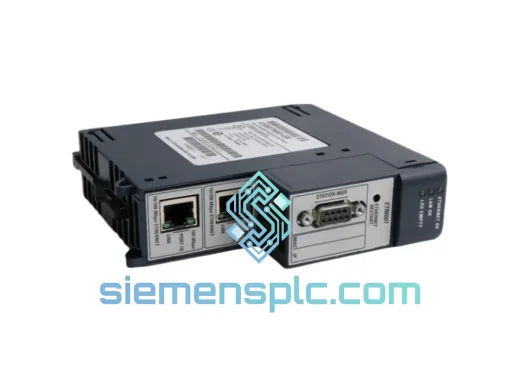
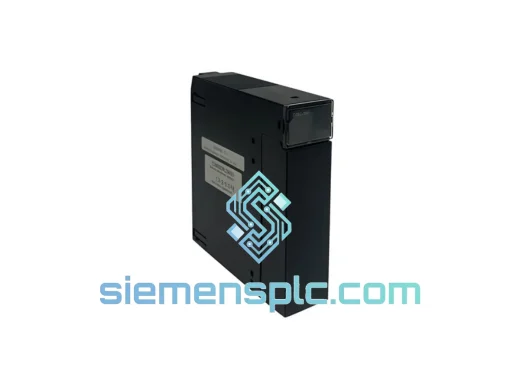
GE IC69CMM321 Ethernet Communication Module
90-30
Origin US
PLC Communication Module
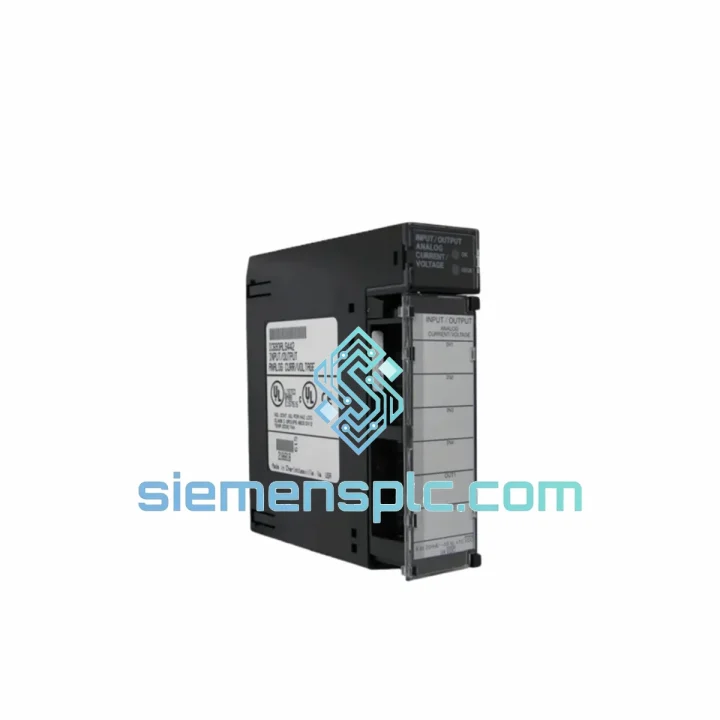
Request verified availability, condition, replacement risk review, packing options and courier lead time for IC693CMM302.
Click Request Quote and the part number is inserted into the inquiry form automatically.
Core fields for model confirmation and RFQ routing. Detailed product narrative remains below.
Your Series 90-30 rack just lost its communication backbone. SCADA is blind. The HMI is frozen. Every minute the IC693CMM302 stays offline, your production line is bleeding money. We stock this module in Xiamen and ship same-day via DHL Express — because a 3-week lead time from a catalog distributor is not an option when the plant is down.
The IC693CMM302 is GE’s Communication Co-Processor Module (CCM) for the Series 90-30 platform. It carries two fully independent serial ports — RS-232, RS-422, or RS-485, software-selectable per port — and offloads all serial protocol processing from the main CPU. That co-processor architecture is exactly why this module fails silently: the CPU keeps scanning, I/O keeps running, but your SCADA link drops and nobody notices until an operator alarm fires. When that happens, this page is where you need to be.
URGENT REQUIREMENT? Contact: [email protected] | WhatsApp: +86 18359268345
| Parameter | Specification |
|---|---|
| Part Number | IC693CMM302 |
| Stock Status | ✅ Ready to Ship — Xiamen Warehouse |
| Platform | GE Series 90-30 (IC693 family) |
| Module Class | Communication Co-Processor Module (CCM) |
| Serial Ports | 2 × independent (Port 1 & Port 2) |
| Interface Standards | RS-232 / RS-422 / RS-485 (software-selectable per port) |
| Supported Protocols | SNP, SNP-X, RTU, ASCII, Modbus RTU (via ladder) |
| Max Baud Rate | 19,200 bps |
| Backplane Power Draw | 1.0 A @ 5 VDC |
| Rack Compatibility | IC693CHS391 / 392 / 393 / 398 / 399 (all standard 90-30 racks) |
| CPU Compatibility | IC693CPU311 through IC693CPU374 (all Series 90-30 CPUs) |
| Operating Temperature | 0°C to 60°C |
| Storage Temperature | −40°C to 85°C |
| Humidity | 5–95% RH, non-condensing |
| Certifications | UL Listed, CE Marked, cUL, RoHS |
| Module Weight | ~1,670 g |
| Condition | New surplus / Tested refurbished (stated per unit) |
| Warranty | 12 months operational |
Symptom 1 — SCADA link drops intermittently, CPU fault table shows no errors. This is the IC693CMM302’s signature failure mode. The co-processor firmware hangs under sustained communication load, particularly on RS-485 multi-drop networks with more than 8 nodes. The CPU never faults because the backplane handshake is still alive. Pull the module, check the firmware revision label on the board edge. Revisions below 1.10 are known to exhibit this under high-traffic conditions. If you’re running an older revision, the replacement unit must match or exceed that firmware level — do not downgrade.
Symptom 2 — Port 1 active, Port 2 dead after power cycle. The port-mode configuration (RS-232 vs RS-485) is stored in battery-backed RAM on the module itself, not in the CPU program. When the module’s onboard lithium cell dies, port configuration reverts to factory default (both ports RS-232, 9600 baud, SNP slave). After swapping in a replacement IC693CMM302, you must reconfigure both ports via Proficy Machine Edition → Hardware Configuration → CMM302 slot → Port Settings. Do not assume the new module will inherit the old configuration from the CPU program — it will not.
Symptom 3 — New module installed, SCADA still not connecting. Check slot addressing first. The IC693CMM302 does not use DIP switches for slot addressing — it self-addresses based on physical rack position during power-up. If you moved the module to a different slot during troubleshooting, the CPU hardware configuration must be updated to reflect the new slot number, then re-downloaded. Failure to do this is the single most common cause of a good module with no comms post-replacement.
Replacement Procedure (field-verified):
The IC693CMM302 was built to GE’s Series 90-30 industrial-grade specification — a platform that has been running in steel mills, offshore platforms, and chemical plants since the early 1990s. The module PCB uses conformal coating on production variants, providing resistance to condensation and airborne contaminants common in foundry and food-processing environments. The backplane connector is rated for 500+ insertion cycles, which matters when a module gets pulled and reseated repeatedly during troubleshooting campaigns.
Vibration tolerance meets IEC 61131-2 Class II — 10–57 Hz at 0.075 mm displacement, 57–150 Hz at 1g. Units installed on compressor skids and near large motor drives routinely outlast their rated service life when properly panel-mounted with rack fasteners torqued to spec. Thermal performance is equally solid: the onboard co-processor runs cool enough that forced-air cooling is not required in standard enclosures up to 60°C ambient, though derating applies above 55°C in high-density rack configurations.
Every unit we ship has been through a functional burn-in cycle: powered at rated voltage, both serial ports exercised under load, firmware version confirmed, and visual inspection completed for board-level defects. ESD-safe anti-static bag, foam insert, and moisture-barrier outer packaging are standard on every shipment — because a module damaged in transit is a module that fails on day one.
Our dispatch warehouse is in Xiamen, Fujian — one of China’s primary export hubs with direct DHL Express and FedEx International Priority service to over 220 countries. For urgent plant-down situations, realistic timelines are:
All shipments include commercial invoice, packing list, and certificate of origin. HS Code 8537.10 applies to this module class. We do not use economy postal services for industrial components. Every IC693CMM302 ships with full tracking, signature-on-delivery, and declared value insurance. If your shipment is held at customs, we work with the carrier directly — you will not be left chasing a tracking number alone.
📧 Email: [email protected]
📱 WhatsApp: +86 18359268345
🌐 Web: siemensplc.com
© 2026 siemensplc.com. All rights reserved.
We check the full part number, brand, series and visible nameplate information before quotation.
Sales confirms stock path, condition option, quantity and realistic lead time for export dispatch.
DHL, FedEx, UPS or buyer courier arrangements can be reviewed with packing requirements.
Similar brand or category products for fast comparison and multi-item RFQ lists.