Mitsubishi Electric
RFQ Ready
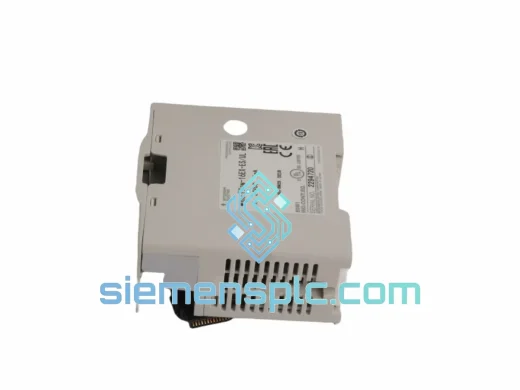
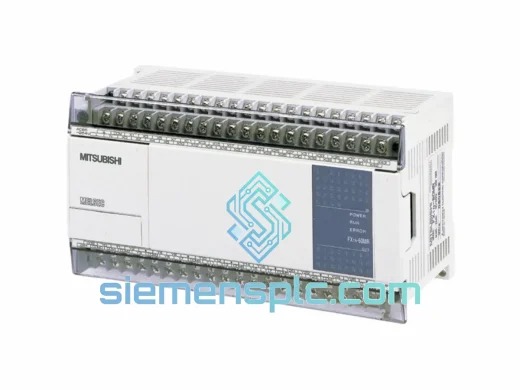
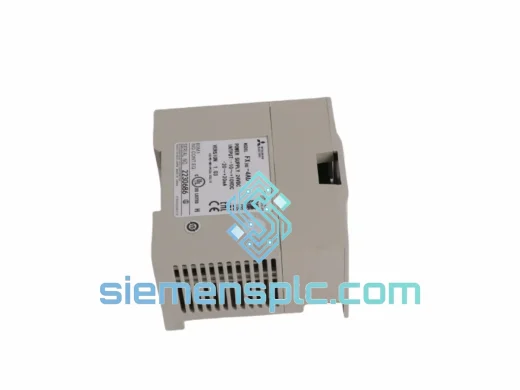
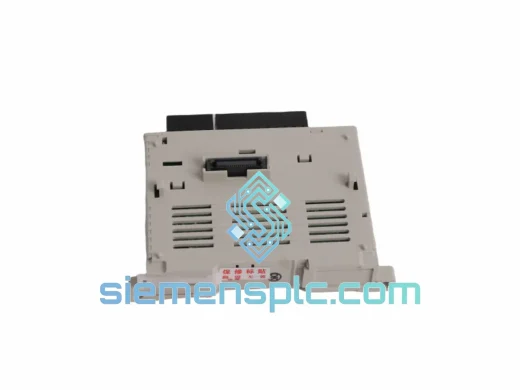
Mitsubishi FX3U-4AD-PT-ADP Analog Input Adapter
MELSEC FX
Origin JP
PLC Analog Input Adapter
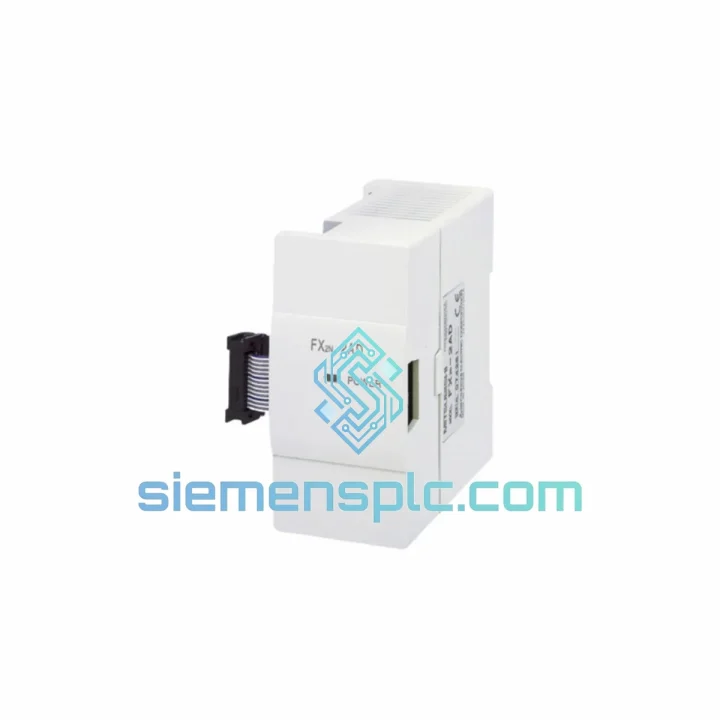
Request verified availability, condition, replacement risk review, packing options and courier lead time for FX-16EX.
Click Request Quote and the part number is inserted into the inquiry form automatically.
Core fields for model confirmation and RFQ routing. Detailed product narrative remains below.
Your FX-series PLC just lost 16 input points. Limit switches are blind. Conveyor interlocks are dead. The line is stopped and the clock is running. You don’t need a sales pitch — you need a module on a plane tonight. The Mitsubishi FX-16EX is in stock at our Xiamen warehouse. We cut the paperwork, pull the unit, and hand it to DHL the same day you confirm. That’s the only thing that matters right now.
The FX-16EX is a dedicated 16-point DC digital input expansion unit for the MELSEC FX compact PLC family. It connects directly to the FX expansion bus — no additional power supply, no address configuration in most standard setups. Plug it in, power up, and your base unit sees all 16 inputs immediately. For plants running FX1N, FX2N, FX3G, or FX3U base units, this module is the fastest path back to full I/O capacity.
URGENT REQUIREMENT? Contact: [email protected] | WhatsApp: +86 18359268345
| Parameter | Specification |
|---|---|
| Model | FX-16EX |
| Brand | Mitsubishi Electric |
| Series | MELSEC FX |
| Module Type | Digital Input Expansion Unit |
| Input Points | 16 points (DC sink/source) |
| Input Voltage | 24 VDC |
| Isolation | Optocoupler (photocoupler) isolated |
| Response Time | Approx. 10 ms (standard filter) |
| Mounting | DIN rail / direct panel mount |
| Bus Connection | FX expansion connector (right-side bus) |
| Compatible Base Units | FX1S, FX1N, FX2N, FX3G, FX3U (verify per hardware manual) |
| Weight | Approx. 1,180 g |
| Origin | Japan |
| Compliance | CE, UL |
| Stock Status | ✅ Ready to Ship — Xiamen Warehouse |
Common failure symptoms that point to a dead FX-16EX:
Replacement procedure — field-tested steps:
Configuration note on expansion chain order: If your system uses multiple expansion modules (e.g., FX-16EX + FX-16EYR + FX2N-4AD), the X/Y address blocks are assigned left-to-right by module position. Inserting a replacement FX-16EX in the correct physical slot restores the original address mapping automatically. Do not reorder modules unless you are prepared to update the PLC program accordingly.
The FX-16EX was engineered for the realities of the factory floor — not a climate-controlled server room. Mitsubishi Electric’s MELSEC FX hardware is rated for continuous operation in ambient temperatures from 0°C to 55°C, with storage tolerance down to -25°C. Relative humidity tolerance reaches 35–85% RH non-condensing, covering the majority of tropical and coastal industrial environments where condensation is a daily concern.
Each input channel is optocoupler-isolated, which means field-side transients — inductive spikes from solenoids, ground loops from long cable runs, welding interference — are blocked before they can reach the CPU backplane. In automotive body shops and heavy fabrication environments where welding robots operate in close proximity to control panels, this isolation is not a nice-to-have; it’s what keeps the PLC running through a shift.
The module’s DIN rail mounting system includes a positive-locking clip that resists vibration-induced loosening. In applications with significant mechanical vibration — press lines, compressor rooms, mobile equipment — the physical connection between the FX-16EX and the expansion bus remains stable without additional fastening. The screw terminal block provides a secure, vibration-resistant field wiring connection that won’t back out under continuous machine cycling.
Mitsubishi Electric’s manufacturing process for MELSEC FX modules applies conformal coating to PCB assemblies, providing a moisture barrier that extends service life in humid environments. Units sourced through our supply chain are inspected for coating integrity as part of our incoming quality check.
Our warehouse is located in Xiamen, Fujian Province — one of China’s primary export hubs with direct access to Xiamen Gaoqi International Airport and daily DHL and FedEx pickup schedules. This is not a drop-ship operation. The FX-16EX you order is physically on our shelf, inspected, and ready to pack.
Typical transit times from Xiamen:
Every shipment includes a commercial invoice, packing list, and full AWB tracking number provided within 2 hours of dispatch. For orders requiring customs clearance documentation — HS code declarations, certificate of origin, or CITES exemption letters — our logistics team prepares these as standard. We have cleared customs into over 60 countries without a single seizure or compliance issue.
Emergency same-day dispatch is available for orders confirmed before 14:00 CST. Contact us directly on WhatsApp for time-critical requirements — we will confirm stock, generate a proforma invoice, and have the unit packed within the hour.
📧 Email: [email protected]
💬 WhatsApp: +86 18359268345
🌐 Web: siemensplc.com
© 2026 siemensplc.com. All rights reserved.
We check the full part number, brand, series and visible nameplate information before quotation.
Sales confirms stock path, condition option, quantity and realistic lead time for export dispatch.
DHL, FedEx, UPS or buyer courier arrangements can be reviewed with packing requirements.
Similar brand or category products for fast comparison and multi-item RFQ lists.