Mitsubishi Electric
RFQ Ready
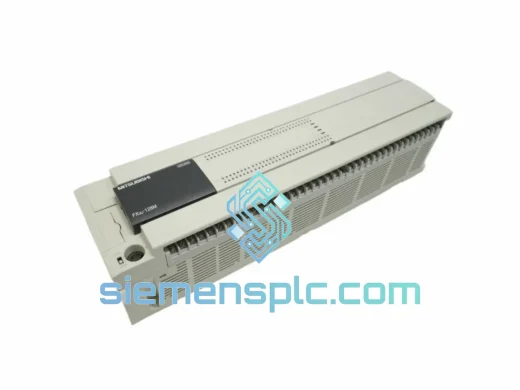
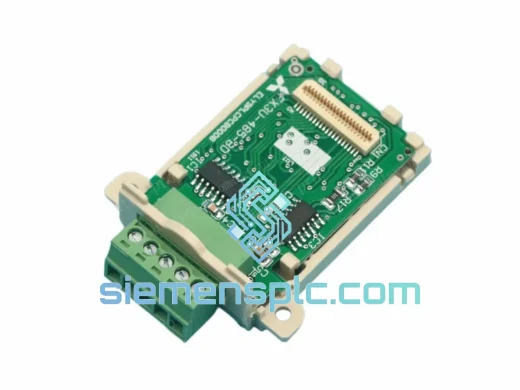
Mitsubishi FX3U-485-BD Communication Board – FX3U Series
MELSEC FX
Origin JP
Communication Board
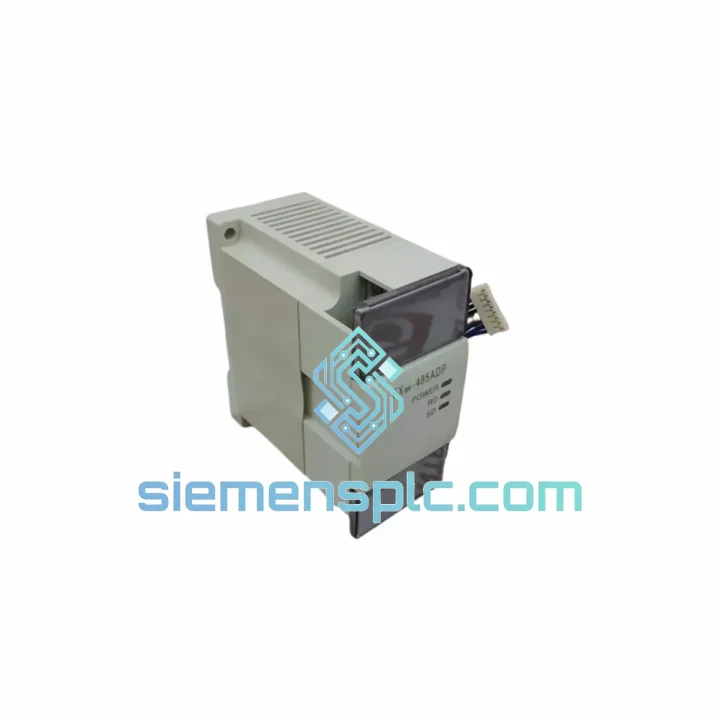
Request verified availability, condition, replacement risk review, packing options and courier lead time for FX0N-485ADP.
Click Request Quote and the part number is inserted into the inquiry form automatically.
Core fields for model confirmation and RFQ routing. Detailed product narrative remains below.
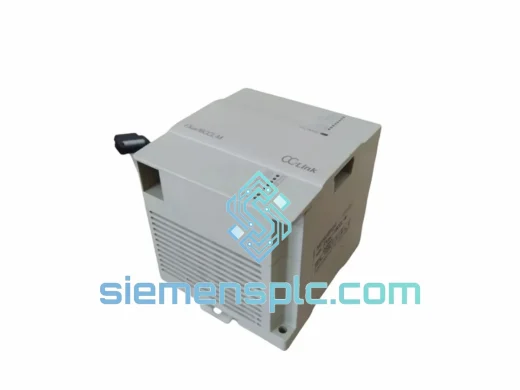
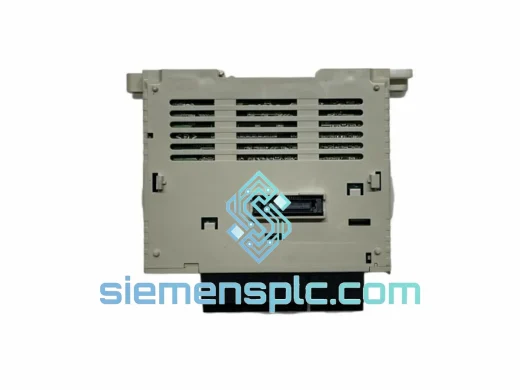
Your line stopped. The HMI went dark. The inverter network dropped out. You traced it back to the MITSUBISHI FX0N-485ADP — the RS-485 communication adaptor that bridges your FX0N CPU to the rest of your plant network. You need a replacement unit, not a lecture. We stock it. We ship it. Same day from Xiamen.
Production downtime in a mid-scale manufacturing facility runs anywhere from $5,000 to $50,000 per hour depending on your sector. A two-day wait for a communication adaptor is not a parts problem — it is a revenue problem. Our inventory exists precisely for this moment.
URGENT REQUIREMENT? Contact: [email protected] | WhatsApp: +86 18359268345
| Parameter | Specification | Status |
|---|---|---|
| Part Number | FX0N-485ADP | ✔ Ready to Ship |
| Manufacturer | MITSUBISHI Electric | 100% Original OEM |
| Series | MELSEC FX0N | — |
| Communication Standard | RS-485 (EIA-485) | — |
| Transmission Mode | Half-duplex, multi-drop | — |
| Max. Network Nodes | 32 stations | — |
| Max. Cable Distance | 500 m @ 19,200 bps | — |
| Baud Rates Supported | 300 / 600 / 1,200 / 2,400 / 4,800 / 9,600 / 19,200 bps | — |
| Connector | Screw-type terminal block | — |
| Compatible CPUs | FX0N-14MR / 24MR / 40MR / 60MR and variants | — |
| Power Source | Bus-powered from FX0N CPU (no external PSU) | — |
| Operating Temperature | 0 °C to +55 °C | — |
| Storage Temperature | −25 °C to +75 °C | — |
| Humidity | 5–95% RH, non-condensing | — |
| Vibration | 10–55 Hz, 0.5 mm amplitude (IEC 60068-2-6) | — |
| Dimensions (W×H×D) | ~40 × 90 × 27 mm | — |
| Weight | ~110 g | — |
| Country of Origin | Japan | — |
| Certifications | CE, UL | — |
| Dispatch Lead Time | Same day / next business day | ✔ In Stock |
Ten years of field calls on FX0N communication faults come down to a short list of failure patterns. Here is what to check before you condemn the adaptor — and what to watch when you swap it in.
Common fault signatures pointing to a failed FX0N-485ADP:
Replacement procedure — field-tested sequence:
One thing that catches engineers off guard: if you are connecting to a MITSUBISHI GOT series HMI, the GOT’s communication driver must be set to MELSEC-FX (CPU direct) — not MELSEC-FX (RS-485). The distinction matters and the GOT will show a connection error if the wrong driver is selected, even with a perfectly functional FX0N-485ADP.
The FX0N-485ADP was not designed for a climate-controlled server room. It was built for the factory floor — and the factory floor is unforgiving.
Vibration: Rated to IEC 60068-2-6 at 10–55 Hz with 0.5 mm amplitude. In practice, this covers the vibration envelope of most stamping presses, compressors, and conveyor drive systems. The screw-type terminal block is a deliberate design choice — spring-cage connectors loosen under sustained vibration; screw terminals hold torque. Verify terminal torque (typically 0.5–0.8 N·m) during installation and re-check at the first scheduled maintenance interval.
Temperature: The 0–55 °C operating range is conservative by design. Units installed in sealed enclosures with poor thermal management routinely see internal temperatures 10–15 °C above ambient. If your panel runs hot, add a thermostat-controlled fan or heat exchanger — the adaptor will survive short excursions above 55 °C but sustained operation above the rated limit accelerates electrolytic capacitor aging and shortens service life.
Humidity and condensation: The 5–95% RH non-condensing rating is the critical qualifier. Condensation — not humidity — kills electronics. In coastal or high-humidity environments (Southeast Asia, southern China coastal zones), install desiccant packs inside sealed enclosures and use conformal-coated PCB variants where available. The standard FX0N-485ADP does not carry a conformal coating; if your environment is consistently above 85% RH, consider enclosure-level humidity control.
Electrical noise: RS-485 differential signaling provides inherent common-mode noise rejection, but the FX0N-485ADP’s performance depends on correct cable selection and grounding. Use shielded twisted-pair cable (Belden 9841 or equivalent, 120 Ω characteristic impedance). Connect the cable shield at one end only (typically the master/CPU end) to prevent ground loop currents from injecting noise into the signal pair. In high-EMI environments (near VFDs, welding equipment), route RS-485 cables in separate conduit from power wiring.
Our warehouse is located in Xiamen, Fujian Province — one of China’s primary export hubs with direct access to Xiamen Gaoqi International Airport and the Port of Xiamen. This geography is not incidental; it is a deliberate operational choice that cuts 12–24 hours off typical southern China export lead times.
Standard dispatch process:
Typical transit times (DHL Express / FedEx International Priority):
All shipments include real-time tracking. Tracking number is emailed within 2 hours of dispatch. For critical downtime situations, contact us directly via WhatsApp — we can arrange priority courier pickup and provide tracking confirmation within the hour.
Import duties and taxes are the responsibility of the consignee unless DDP (Delivered Duty Paid) terms are agreed in writing at order placement. We can arrange DDP shipping to most destinations — ask for a DDP quotation when you submit your RFQ.
Line down? Do not wait for a web form response.
Email: [email protected]
WhatsApp: +86 18359268345
Web: siemensplc.com
© 2026 siemensplc.com. All rights reserved.
We check the full part number, brand, series and visible nameplate information before quotation.
Sales confirms stock path, condition option, quantity and realistic lead time for export dispatch.
DHL, FedEx, UPS or buyer courier arrangements can be reviewed with packing requirements.
Similar brand or category products for fast comparison and multi-item RFQ lists.