ProSoft Technology
RFQ Ready
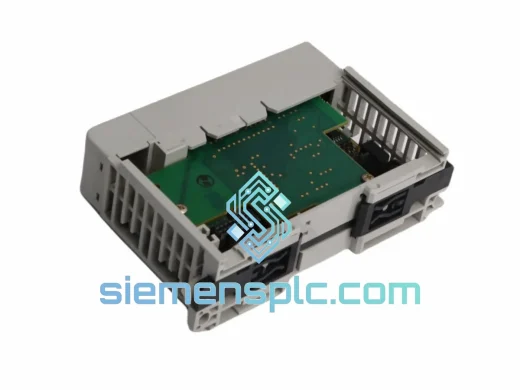
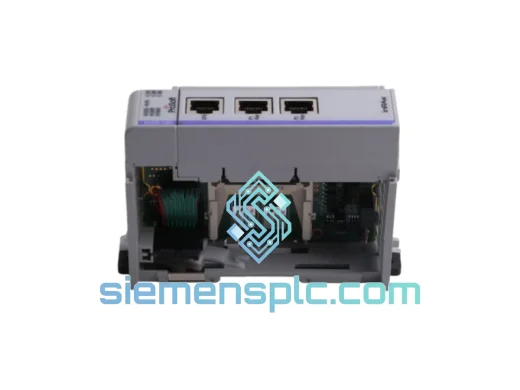
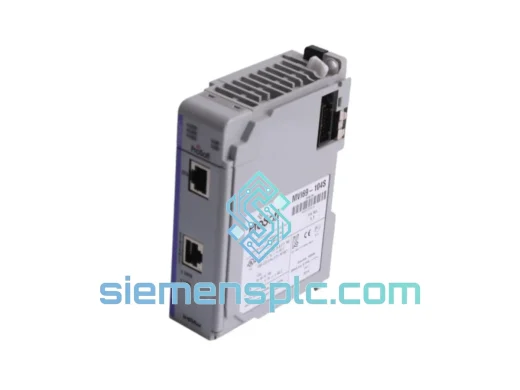
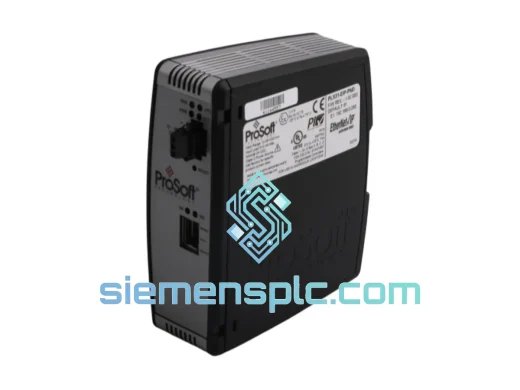
ProSoft PLX31-EIP-PND Protocol Gateway – PLX31 Series
Origin US
Protocol Gateway
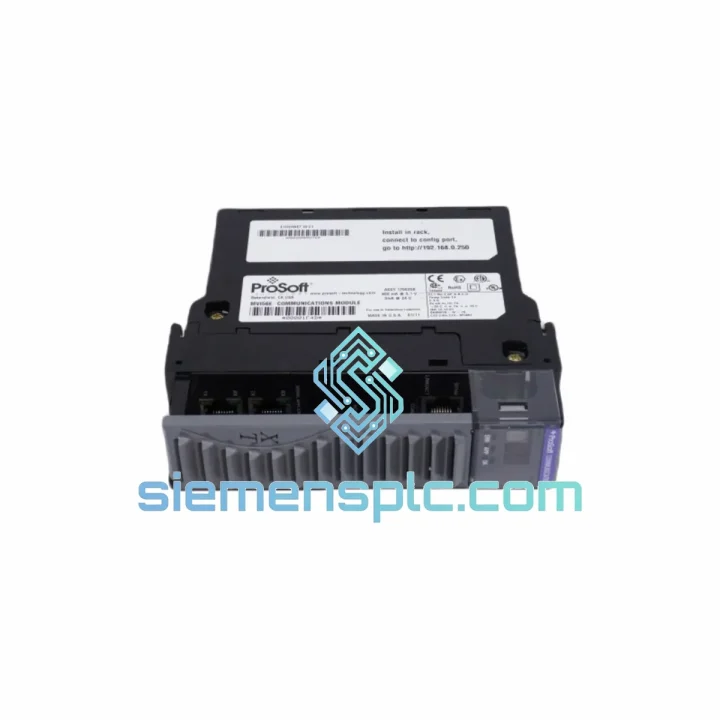
Request verified availability, condition, replacement risk review, packing options and courier lead time for MVI56E-MCMXT.
Click Request Quote and the part number is inserted into the inquiry form automatically.
Core fields for model confirmation and RFQ routing. Detailed product narrative remains below.
Your line is down. Every minute costs money. The MVI56E-MCMXT is the Modbus Master/Slave communication module that sits in your ControlLogix backplane and bridges your PLC to every Modbus RTU/ASCII field device on the floor — meters, drives, analyzers, legacy instruments. When it fails, nothing talks. We stock it. We ship it today from Xiamen via DHL Express. That’s the only thing that matters right now.
URGENT REQUIREMENT? Contact: [email protected] | WhatsApp: +86 18359268345
| Parameter | Specification |
|---|---|
| Part Number | MVI56E-MCMXT |
| Manufacturer | ProSoft Technology |
| Series | MVI56E Enhanced ControlLogix |
| Platform | Allen-Bradley ControlLogix 1756 backplane |
| Protocol | Modbus RTU / Modbus ASCII — Master & Slave |
| Serial Ports | 2 × RS-232 / RS-422 / RS-485 (independently configurable) |
| Max Slave Nodes | 247 per port |
| Data Registers | Up to 5,000 input/output registers |
| Backplane Current Draw | 800 mA @ 5 VDC |
| Operating Temperature | −25°C to +70°C (XT extended range) |
| Storage Temperature | −40°C to +85°C |
| Certifications | CE, UL, cUL, Class I Div 2 |
| Form Factor | Single-slot ControlLogix module |
| Configuration Tool | ProSoft Configuration Builder (PCB) — free download |
| Studio 5000 Compatibility | v16 and above; AOI files included |
| Weight | ~230 g |
| Country of Origin | United States |
| Stock Status | ✅ Ready to Ship — Xiamen warehouse |
Ten years of field calls on this module. Here is what actually goes wrong and what you need to do before you power up the replacement:
1. Confirm the failure mode before pulling the module. The MVI56E-MCMXT has four status LEDs on the faceplate: APP (application running), BP ACT (backplane active), P1 ACT / P2 ACT (port activity). If APP is solid red and BP ACT is off, the module has lost backplane communication — check the chassis slot assignment in RSLogix/Studio 5000 first. A slot mismatch after a chassis swap is the single most common false-failure call I get.
2. Export your configuration before you pull power. Connect to the module via the Ethernet port using ProSoft Configuration Builder. Go to File → Export Configuration and save the .pcc file. If the module is completely dead and you cannot connect, check your project archive in Studio 5000 — the PCB config is embedded in the controller project if you saved it correctly. If not, you are rebuilding from scratch. Lesson learned.
3. Slot addressing — do not skip this. The MVI56E-MCMXT does not use DIP switches for slot addressing. Slot assignment is handled entirely in software via the module’s I/O tree entry in Studio 5000. When you seat the replacement module, the chassis will auto-detect it. However, if your project was built with a specific slot number and you are moving to a different slot (e.g., after a chassis expansion), you must update the slot number in the I/O tree and re-download. Failure to do this results in a Module Fault — Error Code 16#0107 (Connection Request Error).
4. Firmware matching. The MVI56E-MCMXT firmware is field-upgradeable via the Ethernet port. If your replacement unit ships with a different firmware revision than your original, check the ProSoft release notes. In most cases, firmware differences between minor revisions (e.g., 1.04 → 1.06) are backward compatible. Major revision jumps (e.g., 1.x → 2.x) may require updated AOI files. Download the matching firmware from ProSoft’s website before you go on-site — you will not have internet access in most control rooms.
5. Common fault codes in the field:
6. Port wiring — the XT variant is identical to the standard MVI56E-MCM. Pin-out on the DB9 connectors is unchanged. Your existing cable harness will plug straight in. Verify TX/RX polarity on RS-485 if you wired it yourself — A(+) and B(−) are sometimes labeled in reverse by different device manufacturers.
The XT suffix is not a marketing label. It is the reason this module gets specified for outdoor substations, offshore platforms, and foundry floors where ambient temperatures swing from pre-dawn cold to midday furnace heat. The MVI56E-MCMXT is rated to operate continuously at −25°C to +70°C — that is a 95-degree working envelope that the standard MCM cannot match.
The PCB substrate and component selection are qualified for extended thermal cycling. Conformal coating on the board protects against condensation in high-humidity environments — a real concern in coastal plants and food processing facilities where washdown cycles push moisture into control panels. Vibration tolerance meets IEC 60068-2-6 test profiles, which covers the resonance frequencies generated by compressors, pumps, and heavy press machinery mounted near the control cabinet.
In oil and gas applications, the Class I Division 2 certification means the module can be installed in locations where flammable gases or vapors may be present under abnormal conditions — without requiring an explosion-proof enclosure. That saves significant installation cost compared to alternatives that lack this rating.
The module’s internal watchdog timer will force a controlled shutdown and generate a backplane fault rather than producing corrupt data if the processor detects an internal error. In process control environments, a clean fault with a clear error code is always preferable to silent data corruption propagating into your SCADA historian.
Our warehouse is in Xiamen, Fujian — one of China’s primary export hubs with direct DHL and FedEx gateway access. Here is the actual shipping timeline you can plan around:
Every shipment includes a commercial invoice, packing list, and certificate of origin. For customers requiring customs clearance support, we provide HS code documentation (HS 8537.10) and can prepare a formal letter of conformance on request. We have shipped to 60+ countries without a single customs seizure — our export compliance process is tight.
For orders requiring same-day air freight booking, contact us directly on WhatsApp before 13:00 CST. We will confirm stock, generate the proforma invoice, and have the shipment booked within the hour. When your plant is down, that is the only timeline that matters.
Email: [email protected]
WhatsApp: +86 18359268345
Web: siemensplc.com
© 2026 siemensplc.com. All rights reserved.
We check the full part number, brand, series and visible nameplate information before quotation.
Sales confirms stock path, condition option, quantity and realistic lead time for export dispatch.
DHL, FedEx, UPS or buyer courier arrangements can be reviewed with packing requirements.
Similar brand or category products for fast comparison and multi-item RFQ lists.