
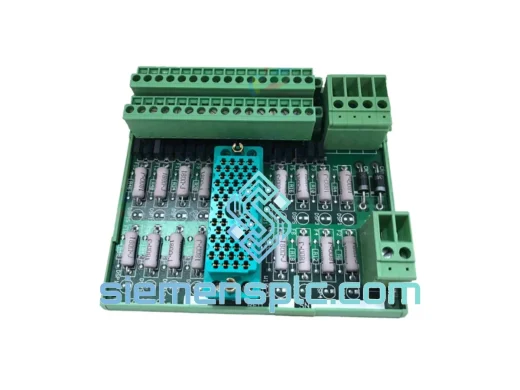
TRICONEX
In Stock OK
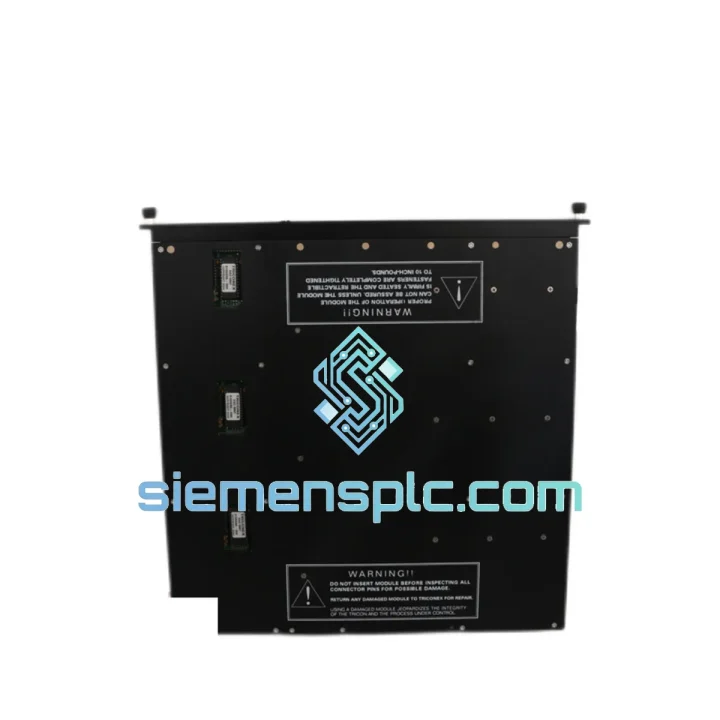
TRICONEX 3805EN Analog Output Module
Request verified availability, condition, replacement risk review, packing options and courier lead time for 3805EN.
BrandTRICONEX
Part Number3805EN
ConditionAvailability Check
Lead TimeRFQ Confirmation
DocumentsDatasheet / photos by RFQ
ShippingExport packing available
Auto-filled RFQ
3805EN
Click Request Quote and the part number is inserted into the inquiry form automatically.
- Reply by email: [email protected]
- WhatsApp / Tel: +86 18359268345
- Mon-Sat 9:00-18:00 GMT+8
Procurement Data
Key Product Information
Core fields for model confirmation and RFQ routing. Detailed product narrative remains below.
- Brand
- TRICONEX
- Primary Part Number
- 3805EN
- Product Type
- Analog Output Module
- Series / Family
- Tricon
- Manufacturer
- TRICONEX (Schneider Electric)
- Country of Origin
- US
- Catalog Category
- I/O Modules
- Operating Temp.
- 0°C to +60°C
Model confirmed for inquiry
3805EN
Send quantity, destination and urgency. The RFQ form keeps this part number attached.
Request Quote
Product Overview
TRICONEX 3805EN Analog Output Module — Stop the Clock on Your Downtime
Your Tricon safety system just flagged a module fault. The DCS is in degraded mode. The shift supervisor is on the phone. Every hour offline is burning through your production budget — and you need a verified 3805EN on-site, not a promise. We stock this module in Xiamen and ship globally via DHL/FedEx Express. Most orders clear customs and land at your facility within 3–5 business days. That’s the difference between a controlled restart and an extended outage.
⚡ URGENT REQUIREMENT? Contact: [email protected] | WhatsApp: +86 18359268345
Quick Technical Datasheet
| Parameter | Specification |
|---|---|
| Part Number | 3805EN |
| Manufacturer | TRICONEX (Schneider Electric) |
| Series | Tricon TMR Safety System |
| Module Type | Analog Output Module |
| Architecture | Triple Modular Redundancy (TMR) |
| Output Channels | 8 × 4–20 mA current output |
| Resolution | 12-bit D/A conversion |
| Load Impedance | 0–750 Ω per channel |
| Isolation | Channel-to-channel & channel-to-backplane optical isolation |
| Safety Integrity Level | SIL 3 (IEC 61508 / IEC 61511) |
| Backplane Compatibility | Tricon Main Chassis / Expansion Chassis |
| Operating Temperature | 0°C to +60°C |
| Certifications | TÜV, FM, CSA, ATEX (system-level) |
| HART Support | Compatible (firmware/config dependent) |
| Hot-Swap | Yes — online replacement without process shutdown |
| Stock Status | ✅ Ready to Ship — Xiamen Warehouse |
Troubleshooting & Replacement Tips
The 3805EN fails in predictable ways. Here’s what 10 years of field calls have taught me about this module:
Common Fault Codes & Root Causes
- AO Channel Open-Circuit Fault: Most often caused by a broken field wire or corroded terminal on the FTA (Field Termination Assembly), not the module itself. Before pulling the 3805EN, check the FTA terminal block with a clamp meter. If all 8 channels flag simultaneously, the module’s internal D/A converter or backplane connector is the culprit.
- TMR Leg Disagreement / Voter Fault: TriStation will report a leg mismatch alarm. This usually means one of the three internal processing legs has drifted. Run a full diagnostic from TriStation 1131 — if the fault persists across two consecutive diagnostic cycles, the module needs replacement. Do not attempt to clear this fault by cycling power; it will return within minutes.
- Output Stuck at 4 mA (Zero-Scale): Classic sign of a failed D/A output stage on one or more legs. The TMR voter will hold the output at the last valid value briefly, then default to 4 mA (fail-low) per the configured fail-safe state. Confirm the fail-safe configuration in TriStation before replacement to ensure the new module is programmed identically.
- Backplane Communication Error: Reseat the module first — the edge connector on the 3805EN is gold-plated but accumulates oxidation in humid environments. Use a clean, dry cloth and isopropyl alcohol on the connector fingers. If the error persists after reseating, the backplane slot itself may have a damaged pin.
Step-by-Step Hot-Swap Replacement Procedure
- Confirm the replacement 3805EN has the same hardware revision as the installed unit (check the label on the module faceplate — revision letter is printed after the part number).
- In TriStation 1131, navigate to the I/O module status screen and verify the system is in TMR mode with the remaining two legs healthy. Do not proceed if the system is already in dual-leg (2oo3) degraded mode — a hot-swap in this state risks a spurious trip.
- Notify the control room operator. Confirm the affected output channels are in manual mode at the DCS or that the downstream FCEs (valves, positioners) are in a safe hold state.
- Grasp the module handle firmly and pull straight out — do not rock side-to-side. The backplane connector is a zero-insertion-force (ZIF) design but requires a clean straight pull.
- Insert the replacement module. You will feel a positive click when the backplane connector seats fully. The module’s LED indicators should cycle through a self-test sequence (red → amber → green) within 15–30 seconds.
- In TriStation, confirm the new module is recognized and all three TMR legs are reporting healthy. Verify each output channel is delivering the correct mA value against the DCS setpoint.
- Return the affected output channels from manual to automatic control. Document the replacement in your maintenance management system (CMMS) with the serial number of the removed and installed modules.
Configuration Checklist Before Powering Up
- Verify no DIP switches or jumpers are present on the 3805EN — this module is software-configured via TriStation. No physical address setting is required; the chassis slot position determines the I/O address automatically.
- Confirm the TriStation project file has the correct fail-safe output value (typically 4 mA for fail-low, or 20 mA for fail-high) configured for each channel before the replacement module goes live.
- If the replacement unit has a different firmware revision, consult the Tricon I/O Module Compatibility Matrix before installation. Mismatched firmware between the module and the main processor can cause communication faults that are difficult to diagnose without the compatibility table.
Reliability in Harsh Conditions
The Tricon platform was not designed for a climate-controlled server room. It was built for the environments where failures are measured in lives and production losses, not SLA credits.
The 3805EN’s optical isolation architecture means that a ground fault or voltage spike on any field wiring loop cannot propagate back into the module’s logic circuitry. Each of the eight output channels is independently isolated — a wiring fault on channel 3 does not affect channels 1, 2, or 4 through 8. This is not a marketing claim; it is a measurable design feature that has prevented cascading failures in offshore platform shutdowns and refinery ESD events.
The module’s conformal-coated PCB resists moisture ingress in environments where relative humidity cycles between 10% and 95% non-condensing — common in coastal petrochemical facilities and tropical offshore platforms. The operating temperature range of 0°C to +60°C covers the majority of industrial control room environments, including those without precision HVAC.
Vibration tolerance is validated to IEC 60068-2-6 test profiles, which simulate the mechanical stress of compressor skids, pump stations, and rotating machinery installations. Modules installed adjacent to large motors or reciprocating compressors have demonstrated multi-year service lives without connector fatigue failures when properly seated in the chassis.
The TMR architecture itself is the ultimate reliability feature: with three independent processing legs voting on every output command, the system tolerates a complete single-leg hardware failure — including the 3805EN’s output stage — without interrupting process control or triggering a spurious trip. Mean Time Between Failures (MTBF) figures for the Tricon I/O module family exceed 200,000 hours in documented field installations.
Global Express Logistics
Our warehouse is located in Xiamen, Fujian Province — one of China’s primary export hubs with direct access to DHL, FedEx, and UPS international express networks. Here’s exactly how your order moves from our shelf to your site:
- Day 0 — Order Confirmation: Payment confirmed before 14:00 CST triggers same-day picking and packing. The 3805EN is wrapped in anti-static ESD foam, placed in a rigid outer carton with desiccant packs, and labeled with your destination address and HS code (8537.10 for PLC modules).
- Day 1 — Export Clearance: Commercial invoice, packing list, and Certificate of Origin are prepared and submitted to Xiamen Customs. For most destinations, export clearance completes within 4–8 hours. We handle all export documentation — you do not need a freight forwarder on the China side.
- Day 1–2 — DHL/FedEx Pickup: The shipment is collected by the express carrier and enters the international transit network. A tracking number is emailed to you immediately upon carrier pickup.
- Day 3–5 — Delivery: DHL Express and FedEx International Priority typically deliver to major industrial hubs in Europe, the Middle East, Southeast Asia, and North America within 3–5 business days from Xiamen. Remote destinations (offshore platforms, inland industrial parks) may require an additional 1–2 days for last-mile delivery.
- Import Duties: We can ship DDP (Delivered Duty Paid) to most destinations, meaning import duties and taxes are included in the quoted price and we handle customs clearance at the destination. No surprise charges on your end.
- Emergency Shipments: For critical shutdowns, contact us via WhatsApp at +86 18359268345. We can arrange same-day dispatch for orders confirmed before 12:00 CST and coordinate with DHL’s On-Demand Delivery service for priority handling.
Contact Information
📧 Email: [email protected]
📱 WhatsApp: +86 18359268345
🌐 Web: siemensplc.com
© 2026 siemensplc.com. All rights reserved.
Ready to quote
[email protected]
Send This Part Number to Sales
RFQ workflow
Quality workflow ->
Confirmation Process
01Model confirmation
We check the full part number, brand, series and visible nameplate information before quotation.
02Availability reply
Sales confirms stock path, condition option, quantity and realistic lead time for export dispatch.
03Packing & courier
DHL, FedEx, UPS or buyer courier arrangements can be reviewed with packing requirements.
Continue sourcing
Browse full catalog ->
Related Automation Parts
Similar brand or category products for fast comparison and multi-item RFQ lists.
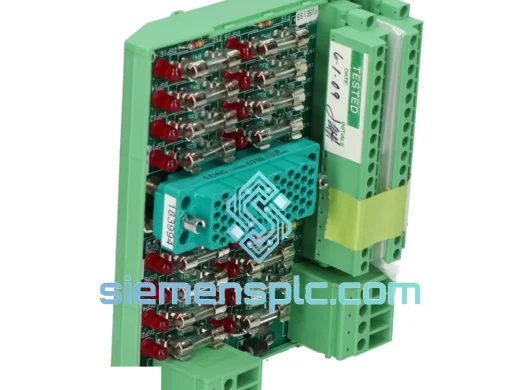
TRICONEX
RFQ Ready
TRICONEX 9563-810 Safety Termination Panel
Tricon
Origin US
Safety System Termination Panel
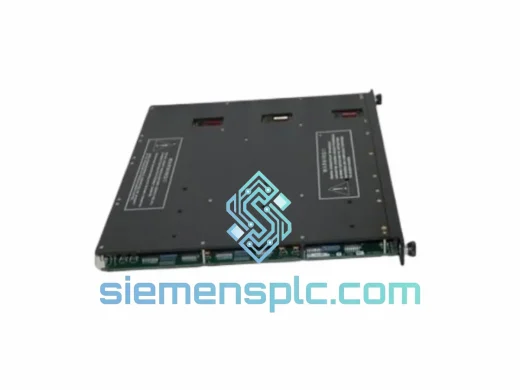
TRICONEX
RFQ Ready
TRICONEX 7400210-010 Digital Input Module – Tricon TMR
Tricon
Origin US
Digital Input Module
TRICONEX
RFQ Ready
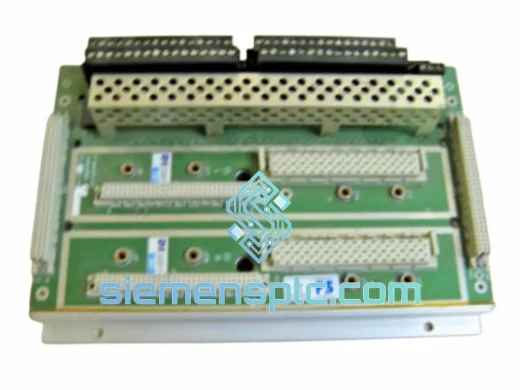
TRICONEX 7400208B-020 Safety I/O Baseplate – Tricon TMR Series
TRICON
Origin US
Safety I/O Baseplate