GE Fanuc
RFQ Ready
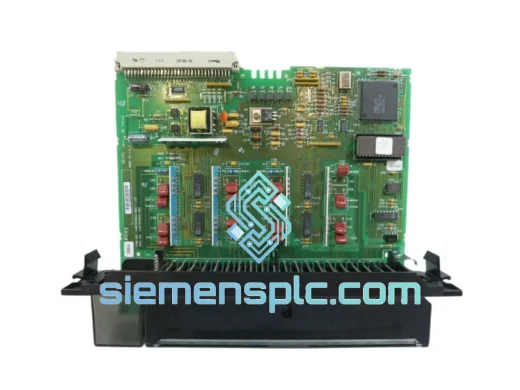
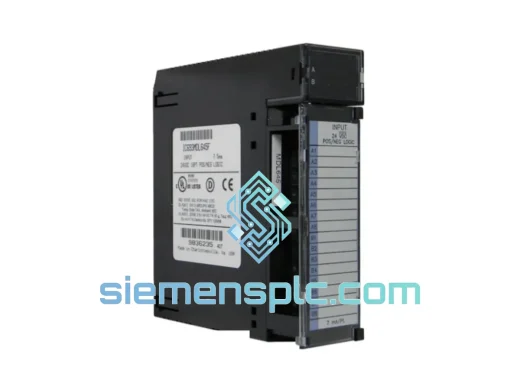
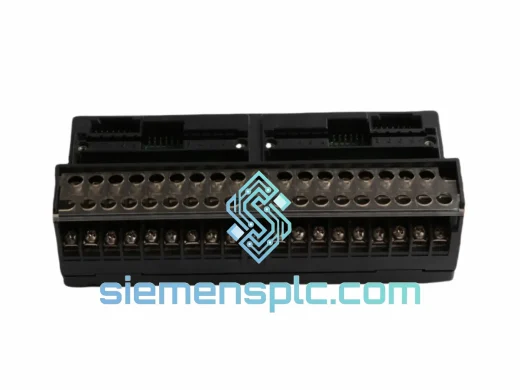
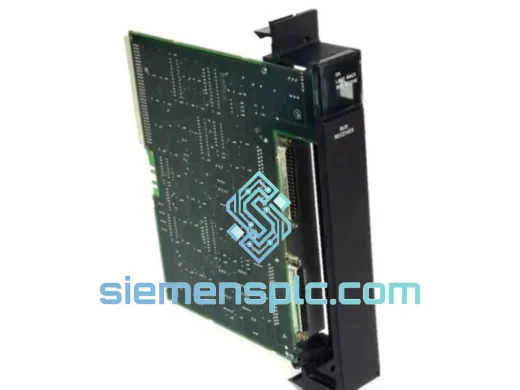
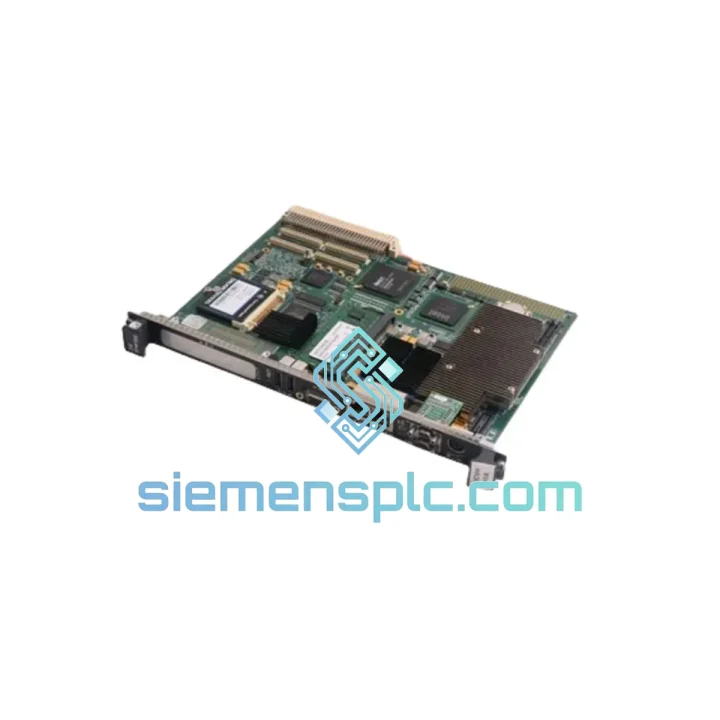
GE Fanuc IC697BEM711 Bus Receiver Module – Series 90-70
Fanuc
Origin US
Bus Receiver Module
Request verified availability, condition, replacement risk review, packing options and courier lead time for IC693CBL328.
Click Request Quote and the part number is inserted into the inquiry form automatically.
Core fields for model confirmation and RFQ routing. Detailed product narrative remains below.
A snapped or degraded IC693CBL328 expansion cable doesn’t just drop a rack — it kills the entire downstream I/O segment. No inputs, no outputs, no production. If you’re reading this during a line-down event, stop scrolling: we have IC693CBL328 in stock in Xiamen, China, and we dispatch DHL Express same business day for orders confirmed before 15:00 CST. That’s the difference between a 4-hour outage and a 4-day sourcing nightmare.
The GE Fanuc IC693CBL328 is the factory-specified expansion bus cable for Series 90-30 multi-rack architectures. It carries the full backplane communication signal between the local CPU base and up to seven downstream expansion bases. There is no workaround, no field-fabricated substitute, and no software patch that compensates for a failed cable. You need the exact part — and you need it now.
URGENT REQUIREMENT? Contact: [email protected] | WhatsApp: +86 18359268345
| Part Number | IC693CBL328 ✅ Ready to Ship |
| Manufacturer | GE Fanuc / GE Automation & Controls |
| Series | Series 90-30 PLC |
| Function | I/O Expansion Bus Cable — local base to expansion base |
| Compatible Bases | IC693CHS391, IC693CHS392, IC693CHS393, IC693CHS397, IC693CHS398, IC693CHS399 |
| Connector | Shielded, keyed expansion bus connector (both ends) |
| Cable Construction | Multi-conductor shielded flat ribbon, strain-relief overmold |
| Operating Temperature | 0 °C to +60 °C |
| Storage Temperature | −40 °C to +85 °C |
| Humidity | 5% to 95% RH, non-condensing |
| Weight | 900 g |
| Origin | United States (OEM) |
| Stock Status | ✅ In Stock — Ships from Xiamen, China |
| Dispatch | Same business day (order before 15:00 CST) |
After ten years of field work on Series 90-30 systems, here are the failure patterns I see repeatedly with the IC693CBL328 — and what to check before you condemn the cable outright:
Symptom: Expansion rack I/O goes offline, CPU logs “Rack Fault” or “I/O Bus Fault”
First action: power down the entire rack set before touching the cable. The 90-30 expansion bus is not hot-swappable. Pulling or reseating the cable under power can corrupt the CPU’s I/O map and trigger a full system fault that requires a cold restart to clear. Confirm power is off at the PSU, not just at the breaker — the PSU capacitors hold charge for 30–60 seconds.
Symptom: Intermittent rack faults, especially after vibration or thermal cycling
This is the IC693CBL328’s most common failure mode in the field. The overmolded strain relief cracks internally at the connector junction — the cable looks intact externally but the signal conductors have fractured. Flex the cable gently near both connectors while watching the fault indicator. If the fault clears and returns with movement, the cable is the culprit. Replace immediately; do not attempt to repair.
Replacement procedure (field-verified):
Configuration note — rack addressing: The Series 90-30 expansion bases use physical rack address switches (rotary or DIP, depending on the base model) to assign rack numbers 1–7. Verify the replacement base (if also being swapped) has the correct rack address set before power-up. A rack address conflict will cause both racks to fault simultaneously and is a common commissioning error when replacing both cable and base together.
Firmware compatibility: The IC693CBL328 is passive — it carries no firmware and has no revision dependencies. Any IC693CBL328 is compatible with any Series 90-30 CPU and expansion base regardless of firmware version. If you are also replacing a CPU or base, verify the CPU firmware version against GE publication GFK-0356 for rack count and I/O point limits.
The IC693CBL328 was designed for the environments where Series 90-30 systems are actually deployed — not climate-controlled server rooms. The cable’s shielded multi-conductor construction attenuates EMI from adjacent VFDs, servo drives, and welding equipment that would corrupt unshielded bus signals. The keyed, latching connectors resist vibration-induced disconnection in applications like stamping presses, compressor skids, and mobile equipment where constant mechanical shock is the norm.
The overmolded strain relief at each connector end is engineered to absorb the repeated flexing that occurs during panel door cycling and maintenance access — a failure point that generic cables cannot match. Operating across a full 0 °C to +60 °C range, the cable maintains signal integrity in both cold-start winter conditions and high-ambient summer enclosures without derating. The 5–95% RH non-condensing humidity rating covers coastal, tropical, and process-plant environments where moisture ingress is a constant concern.
In continuous-duty 24/7 production environments — automotive lines, food processing, water treatment — the IC693CBL328 routinely achieves multi-year service life without intervention. When it does fail, the failure mode is typically gradual signal degradation rather than catastrophic open-circuit, giving maintenance teams a warning window if they monitor rack fault logs proactively.
Our warehouse is located in Xiamen, China — a major international cargo hub with direct DHL Express and FedEx International Priority connections to over 220 countries. Here is exactly what happens after you confirm your order:
For line-down emergencies, tell us your situation when you contact us. We will prioritize your order in the pick-and-pack queue and coordinate with DHL’s On-Demand Delivery service to ensure the shipment reaches your facility — not a depot — on first attempt.
📧 Email: [email protected]
💬 WhatsApp: +86 18359268345
🌐 Web: siemensplc.com
© 2026 siemensplc.com. All rights reserved.
We check the full part number, brand, series and visible nameplate information before quotation.
Sales confirms stock path, condition option, quantity and realistic lead time for export dispatch.
DHL, FedEx, UPS or buyer courier arrangements can be reviewed with packing requirements.
Similar brand or category products for fast comparison and multi-item RFQ lists.