Allen-Bradley
RFQ Ready
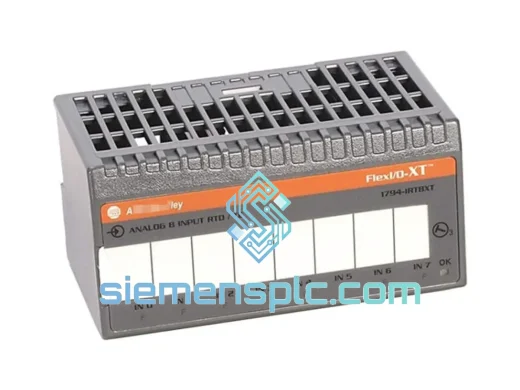
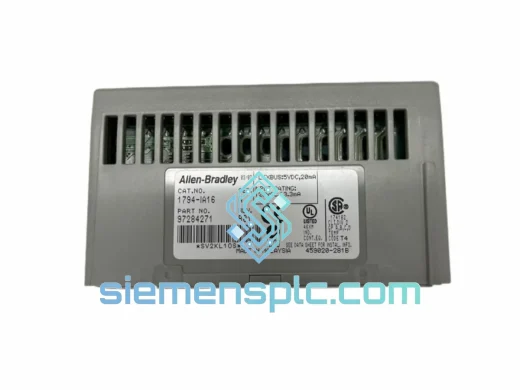
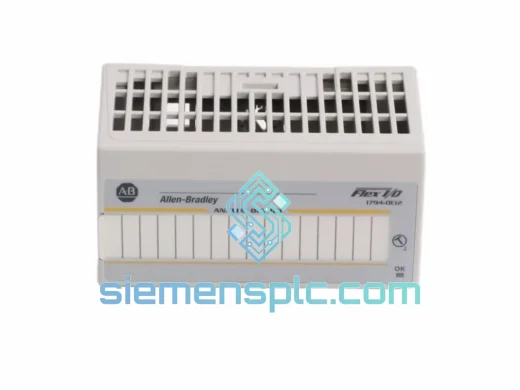
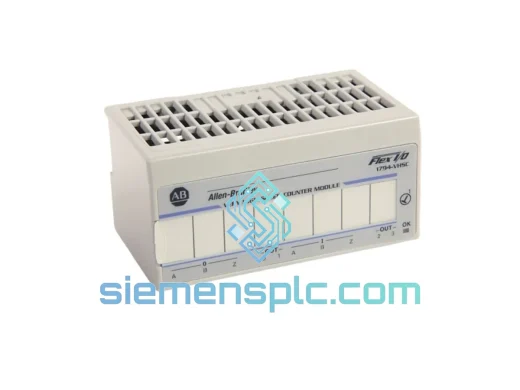
Allen-Bradley 1794-VHSC High Speed Counter Module – FLEX I/O
Flex I/O
Origin US
High Speed Counter Module
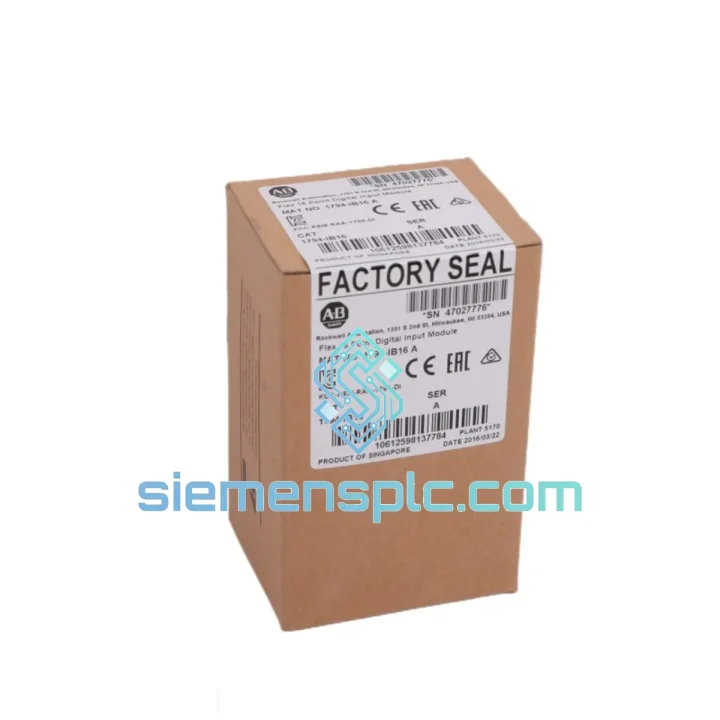
Request verified availability, condition, replacement risk review, packing options and courier lead time for 1794-IB16.
Click Request Quote and the part number is inserted into the inquiry form automatically.
Core fields for model confirmation and RFQ routing. Detailed product narrative remains below.
Every minute your line is down, you’re bleeding money. A failed 1794-IB16 FLEX I/O input module doesn’t care about your production schedule — but we do. We stock the Allen-Bradley 1794-IB16 16-point 24VDC digital input module and can have it out the door within hours of your order confirmation. No waiting on distributor lead times. No back-order runaround. Just a verified, tested module on its way to your facility via DHL or FedEx Express.
Whether you’re running an automotive assembly line, a food and beverage filling system, or a water treatment plant, a single failed input module can cascade into a full production halt. The 1794-IB16 is a critical node in your FLEX I/O distributed I/O architecture — and when it goes down, you need a replacement that’s already on the shelf, not one that’s three weeks out from a factory order.
We’ve shipped emergency replacement modules to plants across Southeast Asia, the Middle East, Europe, and the Americas. Our logistics team knows how to move fast. Your downtime is our problem to solve.
URGENT REQUIREMENT? Contact: [email protected] | WhatsApp: +86 18359268345
| Parameter | Specification | Status |
|---|---|---|
| Catalog Number | 1794-IB16 | ✅ Ready to Ship |
| Brand / Platform | Allen-Bradley / FLEX I/O | |
| Module Type | 16-Point Digital Input (DC) | |
| Input Voltage | 24V DC (Sink/Source) | |
| Input Current | 8 mA @ 24V DC nominal | |
| ON-State Voltage Range | 10 – 30V DC | |
| OFF-State Voltage Range | 0 – 5V DC | |
| Input Filter Delay | 1 ms (software selectable) | |
| Backplane Current Draw | 75 mA @ 5V DC | |
| Operating Temperature | 0°C to 55°C | |
| Storage Temperature | -40°C to 85°C | |
| Relative Humidity | 5 – 95% non-condensing | |
| Certifications | UL, CE, CSA | |
| Compatible Adapters | 1794-ADN, 1794-AENT, 1794-ACN15 | |
| Compatible Terminal Bases | 1794-TB3, 1794-TB3S, 1794-TB32 | |
| Dimensions (H×W×D) | 94 × 23 × 87 mm | |
| Weight | ~100 g | |
| Origin | United States |
Swapping a 1794-IB16 looks straightforward — pull the old one, seat the new one. But there are three failure points that catch engineers off guard every time:
1. Module Auto-Addressing on the FLEX I/O Backplane
The 1794-IB16 uses automatic slot addressing based on its physical position on the terminal base. When you replace the module, the adapter (1794-ADN, 1794-AENT, etc.) will re-enumerate the I/O tree on the next power cycle. If your Studio 5000 / RSLogix 5000 project has the module configured at a specific slot, verify the slot number hasn’t shifted — especially if you’ve added or removed adjacent modules during the repair window. A slot mismatch will throw a Module Connection Failure fault (Error Code 16#0204) and your tags will go offline.
2. Firmware Compatibility
The 1794-IB16 has had multiple hardware revisions (Series A through C). While the I/O map is backward-compatible, some older 1794-ADN adapters running firmware below v3.x may not enumerate Series C modules correctly. Check your adapter firmware version in RSLinx Classic or Studio 5000 before installing a newer hardware revision. If you see a Module Identity Mismatch fault, a firmware update on the adapter resolves it in most cases.
3. Terminal Base Wiring Integrity
The module itself rarely fails in isolation. Before condemning the 1794-IB16, check the terminal base (1794-TB3 or equivalent) for corrosion on the backplane connector pins and verify field wiring torque specs (0.5 – 0.8 Nm). A loose 24V common wire on the terminal base will cause intermittent input faults that look exactly like a failed module. Use a multimeter to confirm 24V DC field power at the TB before pulling the module.
Common Fault Codes:
Replacement Checklist:
Industrial environments don’t forgive weak hardware. The 1794-IB16 is built to operate continuously in conditions that would kill consumer-grade electronics. Its conformal-coated PCB resists moisture ingress and condensation — a real concern in food processing plants where washdown cycles create humidity spikes. The module’s operating temperature ceiling of 55°C means it handles the radiant heat inside a packed control cabinet without thermal throttling or nuisance faults.
Vibration is the silent killer of I/O modules in press shops, stamping lines, and compressor rooms. The 1794-IB16’s backplane connector is designed to maintain contact integrity under continuous vibration loads consistent with IEC 60068-2-6 test profiles. The module’s compact 23 mm form factor also reduces the lever-arm effect that causes larger modules to work loose over time.
In high-EMI environments — near large VFDs, welding equipment, or high-current bus bars — the module’s optical isolation between field-side inputs and backplane logic prevents noise from corrupting your input data. Each of the 16 input channels is individually isolated, so a transient on one channel doesn’t drag down adjacent points.
We pre-test every unit we ship: power-on self-test, all 16 input points exercised, backplane communication verified. If it doesn’t pass, it doesn’t ship.
Our warehouse is located in Xiamen, China — one of the most logistics-connected cities on the southeast coast, with direct access to Xiamen Gaoqi International Airport and major DHL, FedEx, and UPS gateway hubs. This matters when you’re counting hours, not days.
Standard Express Timeline (from order confirmation):
We handle all export documentation including commercial invoice, packing list, and certificate of origin. For shipments requiring customs pre-clearance or HS code declaration (HS 8537.10), we coordinate directly with the freight forwarder to prevent customs holds. Tracking numbers are sent within 2 hours of handover to the carrier.
For multi-unit emergency orders, we can split shipments — send partial stock immediately via express while the remainder follows on the next available flight. Your line doesn’t have to wait for the full order to clear before you can start recovery.
📧 Email: [email protected]
📱 WhatsApp: +86 18359268345
🌐 Web: siemensplc.com
© 2026. All rights reserved.
We check the full part number, brand, series and visible nameplate information before quotation.
Sales confirms stock path, condition option, quantity and realistic lead time for export dispatch.
DHL, FedEx, UPS or buyer courier arrangements can be reviewed with packing requirements.
Similar brand or category products for fast comparison and multi-item RFQ lists.